In diesem Artikel
- Quick answer
- Identify the opening that is actually affected
- Inspect alignment under angled light
- Perform a controlled listening comparison
- Remove the protector only by an appropriate method
- Deal with residue without flooding the receiver
- Choose a replacement that preserves the acoustic path
- Know when the protector was only a coincidence
- Sources
Quick answer
If sound became quiet immediately after fitting a screen protector, inspect the upper receiver opening for glass, film, an opaque border, or adhesive crossing the slot. Remove the case first, then compare a short call using the same volume and position. If the protector obstructs the opening, follow its manufacturer's removal instructions and replace it with one designed for your exact phone model.
Do not cut a speaker hole while the protector is attached, scrape the slot with a blade, or push adhesive into the mesh. A cleaning tone cannot remove a solid covering. If the glass is cracked or the protector uses a complicated adhesive system, have the installer assess it rather than risking damage while trying to save the accessory.
Identify the opening that is actually affected
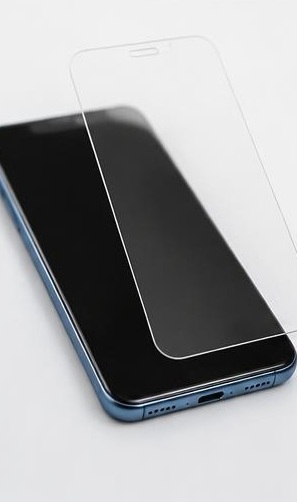
On many phones, the small slot near the top of the display is the call receiver and may also contribute to stereo playback. The bottom openings can include both speakers and microphones. A protector overlapping the upper slot can therefore make calls quieter and music less balanced even when the lower loudspeaker still works. Check your model's hardware diagram rather than judging only by matching shapes.
Establish the timing carefully. Did the sound change immediately after installation, after the case was refitted, or days later? A close timing link makes protector fit worth investigating, but it is not proof by itself. Write down whether receiver calls, speakerphone, and local media are affected. That pattern helps distinguish an upper-slot obstruction from a wider playback or routing problem.
Inspect alignment under angled light
Turn the screen off and examine the top edge under a bright lamp. Look from several angles for a protector border crossing the receiver, an offset cutout, a trapped installation film, or adhesive squeezed toward the opening. Privacy and full-coverage protectors can hide alignment problems behind a dark perimeter. A protector for a similar phone may fit the display while still mismatching its acoustic openings.
Do not press along the slot in an attempt to push the protector into place. Pressure can move adhesive toward the mesh without correcting the cutout. If the packaging is available, confirm the exact model designation, not just the screen size or product family. Photograph the alignment for the retailer or installer before removing anything, especially if you may need a replacement or a professional inspection.
Perform a controlled listening comparison
Remove the case and make a brief call to someone who can speak at a steady level. Adjust call volume while listening, then leave it unchanged. Hold the receiver in the same comfortable position for each comparison. If media is affected too, choose a short spoken recording stored locally and use the same passage rather than comparing unrelated songs.
If removing the case restores clarity, the problem may be case pressure or overlap rather than the protector alone. If the sound remains poor and the protector visibly covers the slot, removing that obstruction is the logical next test. Avoid stacking other changes, such as switching equalizers or resetting settings, during the comparison. A single changed variable makes an improvement meaningful and prevents unnecessary cleaning of a speaker that is functioning normally.
Remove the protector only by an appropriate method
Follow the protector manufacturer's removal instructions, working slowly and without metal tools near the speaker opening. Different materials and adhesive systems behave differently. If the protector is chipped, cracked, firmly bonded, or installed with a liquid adhesive system, return to the installer or seek suitable assistance. Do not assume that a technique shown for a simple plastic film is safe for every glass protector.
Never carve or drill a new cutout while the protector is on the phone. Fragments can scratch the display or enter openings, and a blade can damage the mesh or your hand. Keep the device disconnected from power while handling accessories. If the display itself is lifting, separating, or visibly damaged, stop; that is not an ordinary protector-adjustment problem and should be assessed before further manipulation.
Deal with residue without flooding the receiver
After removal, inspect the exposed area before wiping. Use a clean, dry, soft cloth on accessible exterior surfaces. Do not drip solvent, alcohol, or water into the receiver to dissolve adhesive. Screen-cleaning advice for flat glass does not automatically apply to an acoustic opening, where liquid and loosened residue can move behind the mesh.
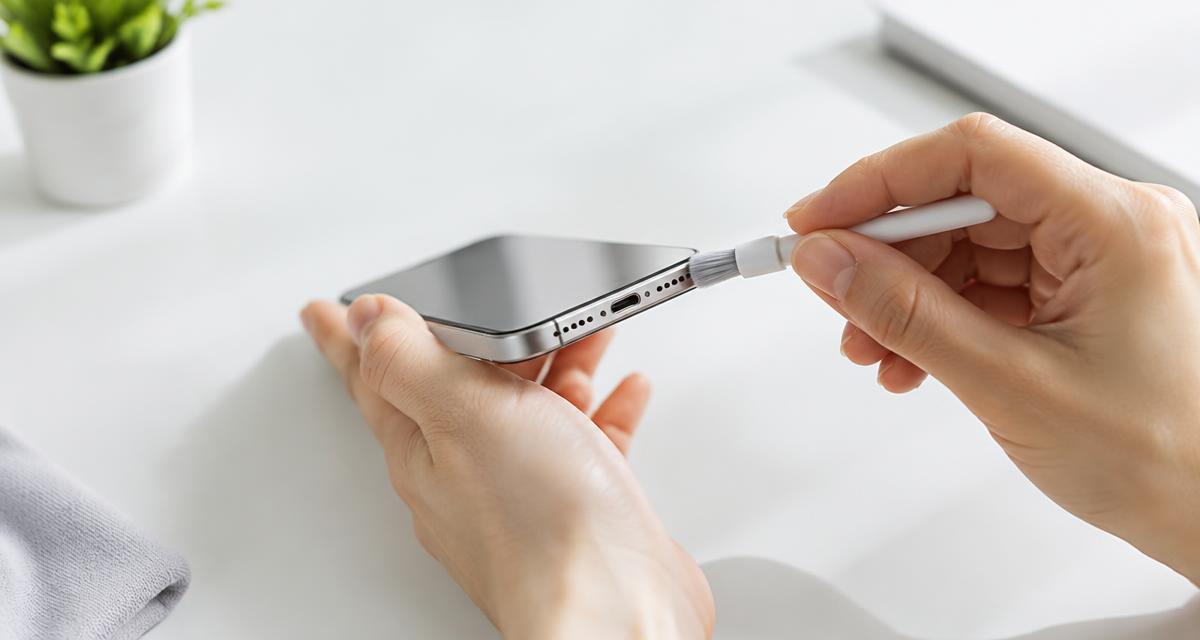
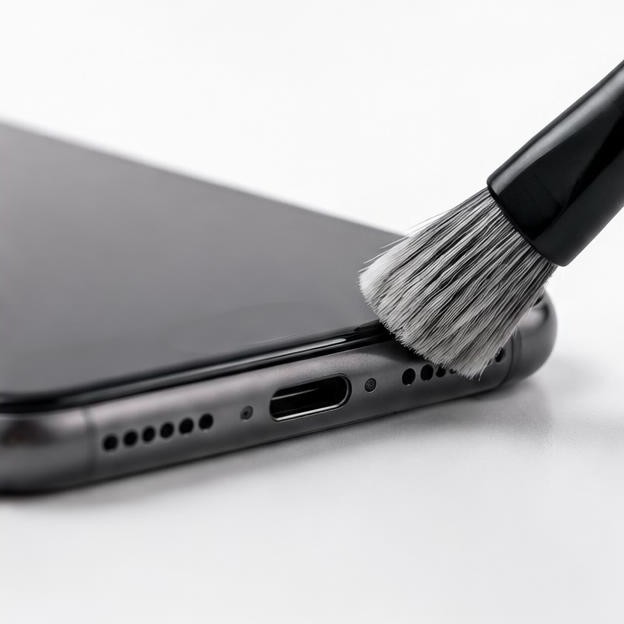
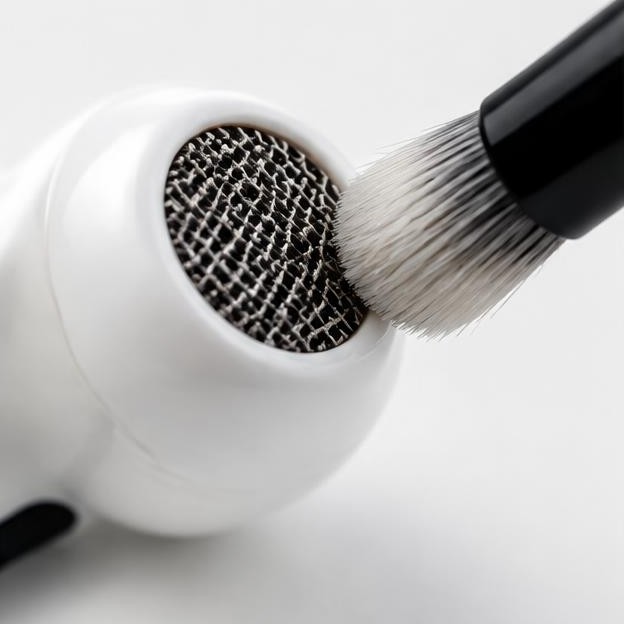
For iPhone, Apple recommends a clean, dry, small soft-bristled brush when the speaker or receiver opening needs cleaning. Use only gentle exterior strokes and follow your own manufacturer's instructions for other devices. Do not use adhesive putty to pull out existing adhesive, and do not pick at material embedded in the slot. If residue remains across the mesh or sound is still blocked, professional cleaning is safer than escalating to stronger chemicals or sharper tools.
Choose a replacement that preserves the acoustic path
Buy a protector explicitly listed for the exact model and inspect its receiver design before installation. Some products use a cutout, while others rely on a model-specific edge shape. Neither style should cover an opening the phone requires. Check whether the case pushes against the protector or shifts it when installed, because a compatible protector and an incompatible case can still create an obstruction together.
Dry-fit the alignment using the supplied guide before exposing adhesive, when the product instructions allow it. After installation, inspect the receiver again and immediately compare a short call and familiar media passage. Keep the packaging and receipt until those checks pass. Do not judge success solely by touch response or a bubble-free screen; an installation can look neat and still interfere with the sound path.
Know when the protector was only a coincidence
If sound remains quiet with both protector and case removed, confirm the call route, adjust active call volume, and restart the phone. Compare a second caller and a local media recording. Persistent symptoms may involve contamination, software, prior impact damage, or a receiver fault rather than the accessory. Avoid replacing protectors repeatedly when removing the first one made no measurable difference.
Seek service if the mesh is damaged, adhesive has entered the opening, or multiple controlled comparisons remain abnormal. Tell the provider which protector was fitted, whether liquid adhesive was used, and what changed after removal. Back up the phone before handing it over. A clear account of the installation and tests is more useful than claiming that the protector permanently damaged the speaker without an inspection.
Sources
Apple officially recommends removing screen protectors, films, and cases during speaker troubleshooting and describes gentle receiver cleaning: apple.com guidance
Samsung also recommends removing protective films and other contacting accessories when isolating sound problems: samsung.com guidance Removal methods must still match the particular protector and device.