Quick answer
The earpiece, sometimes called the receiver, is the small sound outlet used when you hold a phone to your ear during a call. It is not necessarily the same speaker used for loud media playback. A phone can play music normally while calls through the receiver sound faint, and the reverse can also happen. Start by identifying the exact listening mode rather than assuming every sound opening has the same fault.
در این مقاله
- Separate a quiet earpiece from a quiet phone
- Compare call routes and more than one caller
- Check how the phone meets your ear
- Inspect screen protectors and accessory alignment
- Clean only the accessible exterior
- Use software checks that answer a specific question
- Recognize when the receiver needs professional attention
- Sources
Separate a quiet earpiece from a quiet phone
The earpiece, sometimes called the receiver, is the small sound outlet used when you hold a phone to your ear during a call. It is not necessarily the same speaker used for loud media playback. A phone can play music normally while calls through the receiver sound faint, and the reverse can also happen. Start by identifying the exact listening mode rather than assuming every sound opening has the same fault.
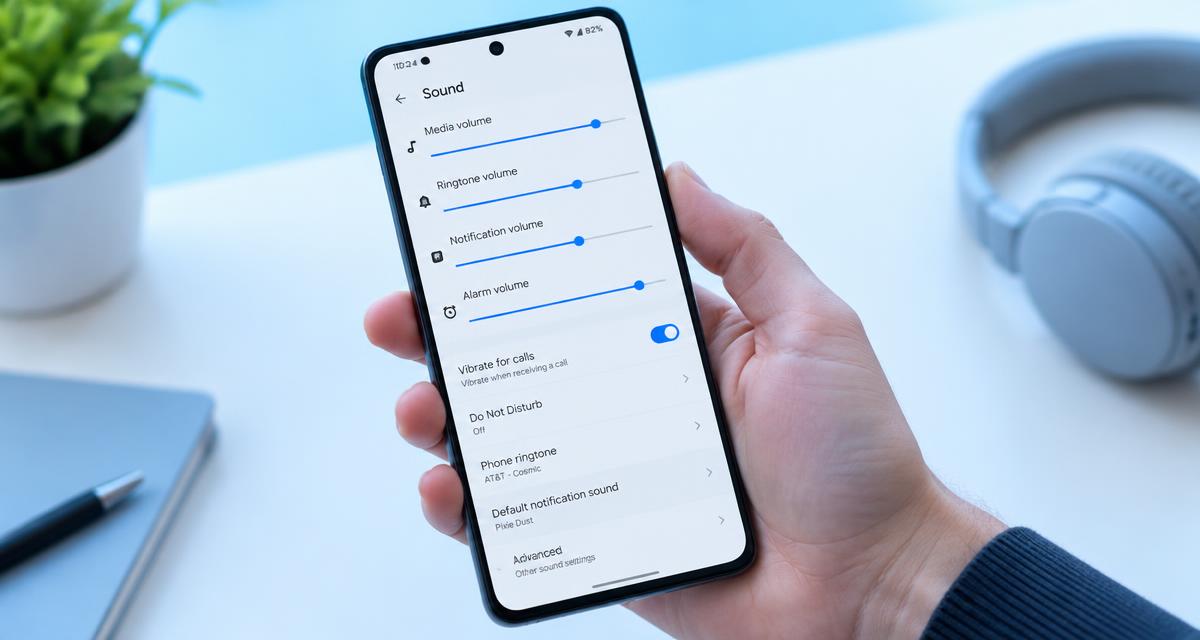
Make a brief call in a quiet place and adjust the volume while the call is active. On many phones, call volume is separate from media and ringtone volume. Use a comfortable setting, not the highest setting as a default. Note whether speech is merely quiet, sounds muffled, cuts in and out or contains distortion. Those differences matter: low output can come from obstruction or settings, while missing syllables and interruptions can point toward a connection problem.
Compare call routes and more than one caller
During a suitable nonurgent call, switch between the receiver and speakerphone, keeping the phone away from your ear when the loudspeaker activates. If speakerphone is clear but the receiver is consistently faint, focus on the receiver opening, its accessories and its call settings. If both modes sound poor, try another caller or a different calling app before concluding that a physical speaker has failed.
Disconnect Bluetooth temporarily so a car, hearing device or nearby headset cannot silently take over the call. Remove wired audio adapters if present. If the problem happens only in one building, on a moving train or with one contact, connection quality deserves attention. Google's Pixel guidance recommends checking signal strength and comparing Wi-Fi and mobile calling conditions when audio is unclear. Make comparisons only when it is safe and practical; troubleshooting should never delay an important or emergency call. google.com guidance
Check how the phone meets your ear
Move the phone slightly while listening at a comfortable level. Receivers have small sound outlets, and an awkward grip can place the opening away from the ear canal. A thick case or unusual edge lip may change that alignment. If repositioning helps, do not assume that the receiver needs replacement. Compare briefly without the case and look for a consistent placement that does not require pressing hard against your head.
Consider whether the change occurs with other phones or headphones as well. Earwax, congestion and hearing changes can alter perception independently of the device. Do not insert objects into your ear or turn up a test tone to investigate. If hearing becomes suddenly reduced, especially on one side or with dizziness, pain or ringing, seek prompt medical advice. A device troubleshooting article cannot determine whether a hearing symptom is caused by the phone, and cleaning the receiver should not postpone medical assessment.
Inspect screen protectors and accessory alignment
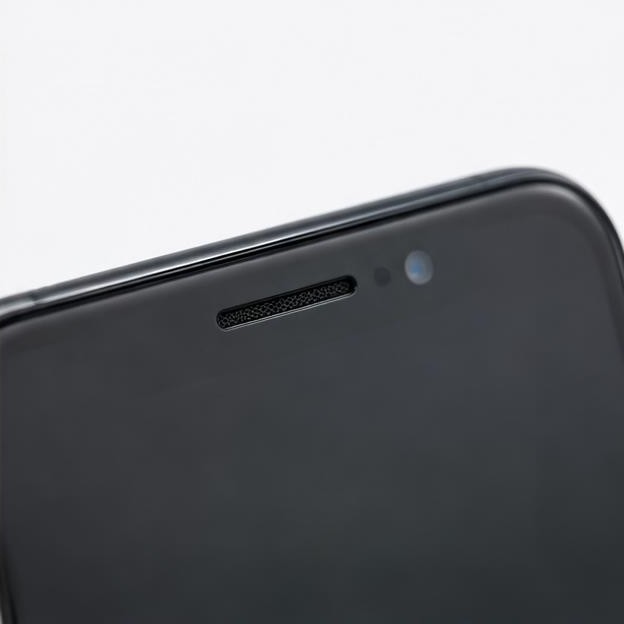
Look closely at the top edge of the display under good light. A shifted protector, shipping film, adhesive strip or poorly aligned case can partially cover the receiver slot. Even a narrow obstruction may affect speech clarity. Compare its position with the manufacturer's device diagram rather than assuming every black line is decorative. Remove only accessories intended to be user-removable, following their instructions.
Do not lift a factory-installed foldable-screen layer or pry around a built-in acoustic mesh. If a protector uses liquid adhesive and the sound changed after installation, tell the installer or service provider. Cured material inside an opening is not ordinary pocket dust and should not be scraped out with a blade. Samsung notes that protective accessories and films can interfere with sound or block relevant air paths. A cleaning attempt should therefore begin with accessory assessment rather than forceful work on the receiver itself. samsung.com guidance
Clean only the accessible exterior
If visible surface debris remains, turn the phone off and disconnect cables. Wipe around the receiver with a soft, dry, lint-free cloth. Consult the manufacturer's instructions before using a soft brush, and keep any permitted brushing light and across the exterior rather than into the slot. Stop if the mesh moves, the surface appears damaged or debris will not lift without pressure.
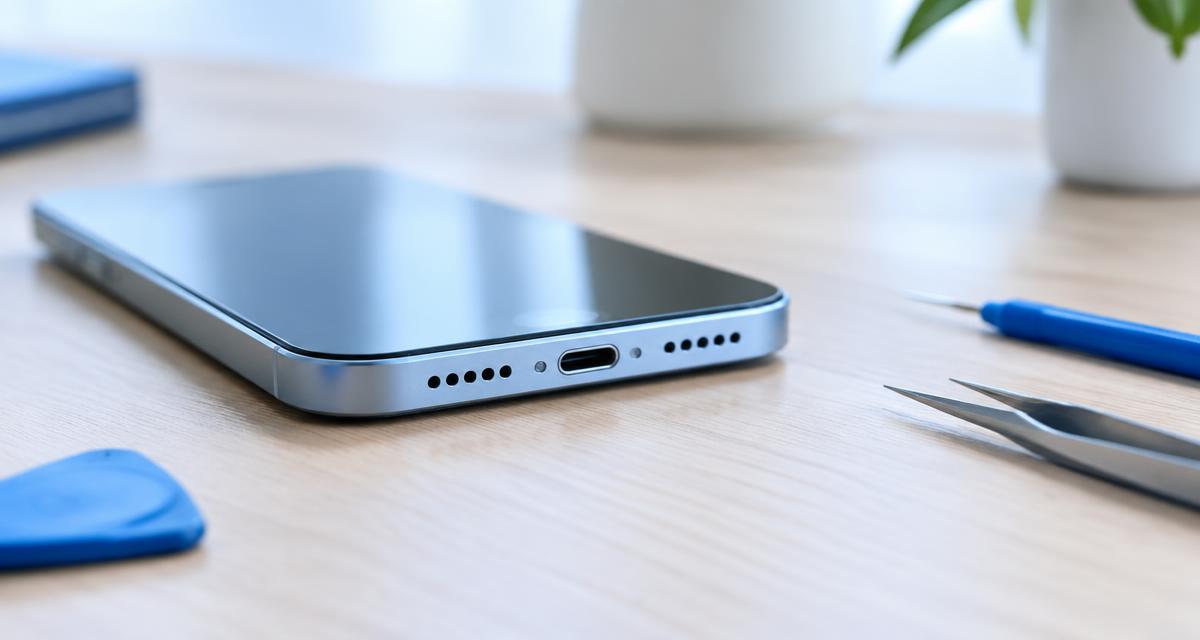
Do not apply alcohol, disinfectant, water or another cleaner directly to the receiver. Exterior cleaning permissions are not permission to wet openings. Avoid pins, toothpicks, compressed air, sticky putty and suction methods that can disturb delicate protective parts. Google's cleaning guidance emphasizes keeping moisture and soap out of openings and avoiding sprayed cleaners and compressed air. If makeup, skin oil or adhesive has formed a stubborn blockage, professional assessment is safer than progressively stronger chemicals. Repeated brushing is not a substitute for identifying what is actually obstructing the sound. google.com guidance
Use software checks that answer a specific question
After the exterior is dry and the phone has restarted, make the same brief call again. If the problem remains, compare a second calling service where available. Clear audio in one app but not another suggests an app, permission, codec or connection issue rather than a universally blocked receiver. Update the affected app and operating system when appropriate, and avoid changing many audio features simultaneously.
Do not rely on a web tone as the decisive receiver test. A browser may send sound to the media loudspeaker rather than the call receiver, so a clear result can test the wrong component. Likewise, stereo music does not establish that both call and media paths are healthy. Avoid undocumented service codes or engineering menus unless the manufacturer provides them for your model. A factory reset should not be an early response to a visibly blocked grille; it erases or disrupts settings without removing anything physical.
Recognize when the receiver needs professional attention
Seek service if the receiver remains very quiet across multiple calls after checking accessories, routing, volume and the exterior. Persistent crackling, intermittent sound after a drop or symptoms following liquid exposure deserve assessment even if speakerphone still works. Do not infer the exact failed part from one symptom: the receiver, its connection, protective materials or associated electronics may require inspection.
Provide a concise account: when the issue began, whether media is normal, whether speakerphone helps, which callers or apps are affected and what changed after removing the case. Mention screen-protector installation, impact or moisture. Ask for a diagnosis and written estimate before authorizing parts replacement. Until the issue is resolved, a suitable headset or speakerphone may be a practical alternative when privacy and surroundings allow. Keep listening levels comfortable, and avoid pressing the phone harder against the ear to compensate for an unresolved fault.
Sources
Manufacturer guidance: google.com guidance ; google.com guidance ; samsung.com guidance