Quick answer
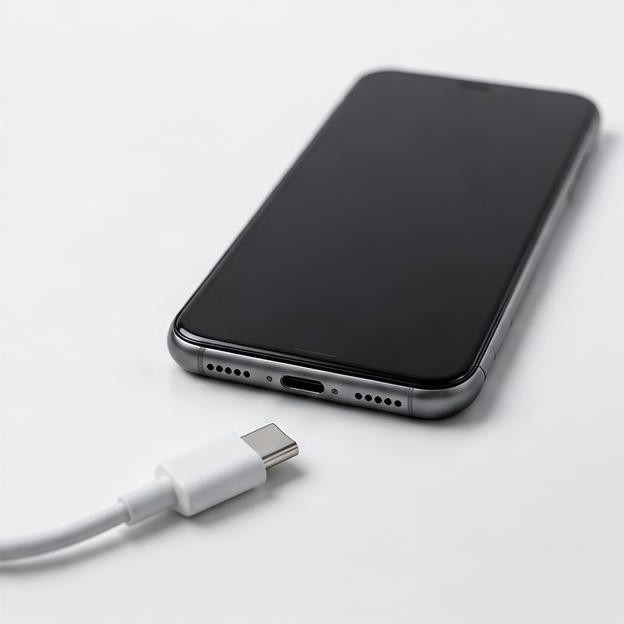
A liquid-detection warning is a reason to disconnect the charging cable or accessory, not an invitation to keep trying different chargers. On supported iPhones, the alert can indicate liquid in the Lightning or USB-C connector or on the cable or accessory. The phone temporarily blocks the connection to reduce the risk of damage. The message does not necessarily identify which surface is wet, and it does not diagnose the entire phone. https://support.apple.com/en-us/102643
در این مقاله
- Disconnect first and read the alert carefully
- Understand what the warning protects
- Dry the connector without inserting anything
- Interpret waiting periods in their proper context
- Wireless charging and emergency overrides have limits
- If the alert returns after everything should be dry
- Know when to stop troubleshooting altogether
- Sources
Disconnect first and read the alert carefully
A liquid-detection warning is a reason to disconnect the charging cable or accessory, not an invitation to keep trying different chargers. On supported iPhones, the alert can indicate liquid in the Lightning or USB-C connector or on the cable or accessory. The phone temporarily blocks the connection to reduce the risk of damage. The message does not necessarily identify which surface is wet, and it does not diagnose the entire phone. apple.com guidance
Unplug with dry hands when safe and move the phone and cable away from the moisture source. If the adapter, wall outlet or surrounding area is wet, prioritize electrical safety rather than handling energized equipment. Remove a wet case and wipe the phone's exterior with a soft, lint-free cloth. If the device was submerged, appears damaged or becomes unusually hot, power it off and seek guidance rather than treating the alert as an isolated inconvenience.
Understand what the warning protects
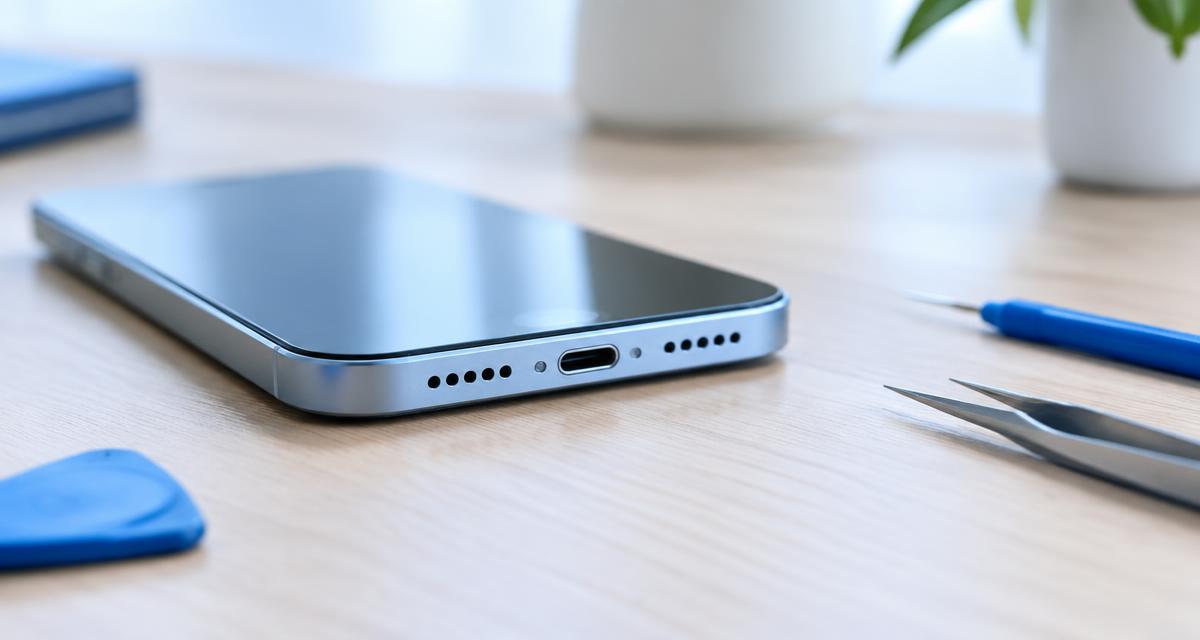
Charging contacts are small, closely spaced electrical surfaces. Apple explains that using a wet Lightning or USB-C connector can corrode the pins and cause permanent damage or connectivity problems. A connection that works briefly is therefore not proof that charging is safe. Repeated reconnection can also transfer water between the port and a cable that was previously dry. apple.com guidance
The speaker and connector are separate areas. Clear sound does not establish that the port has dried, and a muffled speaker is not a measurement of connector moisture. Similarly, the absence of a warning does not rule out liquid inside the enclosure. Do not use an audio test, water-eject sound or normal touchscreen behavior as clearance to reconnect power. The relevant questions are what was exposed, whether the device and accessories are dry and whether any abnormal symptoms remain.
Dry the connector without inserting anything
For an iPhone liquid alert, Apple advises gently tapping the phone against your hand with the connector facing down, then leaving it in a dry area with airflow. This is a light drainage action, not permission to strike or shake the device forcefully. Keep it on a stable surface, where it cannot fall into a sink or onto a hard floor. apple.com guidance
Do not push paper towel, cotton swabs, toothpicks or other objects into the connector. Do not use external heat or compressed air, and do not place the phone in rice. These methods can introduce material, damage parts or move moisture unpredictably. Leave the cable ends to dry separately, with no power connected. If contamination such as saltwater or a sugary drink was involved, drying may leave residue, and professional advice is more appropriate than repeatedly testing whether the warning has disappeared.
Interpret waiting periods in their proper context
Apple's liquid-alert article says to wait at least thirty minutes before trying the cable or accessory again. If the alert reappears, the connector or cable may still contain liquid, and complete drying can take up to twenty-four hours. This is an initial check within a particular troubleshooting process, not a guarantee that any wet phone becomes safe after half an hour. apple.com guidance
Apple's broader guidance for a wet iPhone also advises waiting at least five hours before wired charging after liquid exposure and ensuring the device is dry. Follow the instructions appropriate to the actual event rather than choosing the shortest number from different articles. Other manufacturers may specify a different process. Humidity, contamination and exposure severity affect the situation, so no countdown can replace checking for moisture, damage and continuing warnings. Do not repeatedly reconnect every few minutes just because the battery is low. apple.com guidance
Wireless charging and emergency overrides have limits
Apple says a compatible iPhone can use a wireless charger when its back is dry in the connector-alert situation. That can avoid the affected port, but it does not dry the connector or remove contamination. Use a suitable charger on a dry surface, and do not interpret this option as approval to power a submerged, damaged, overheating or internally wet device. Those circumstances require a more cautious assessment. apple.com guidance
Some iPhone alerts offer an emergency override for wired charging. This is a risk-bearing exception, not a routine fix or a way to prove that the sensor is mistaken. Prefer another means of communication or an appropriate safe power option when available. Do not disable protections, manipulate the connector or follow instructions that claim to bypass detection permanently. A genuine emergency may require difficult choices, but ordinary low-battery inconvenience is not a reason to normalize charging through a wet connector.
If the alert returns after everything should be dry
After following the drying guidance, inspect the cable and connector externally in good light without inserting tools. A cable that triggers warnings while another known-dry, undamaged cable does not may itself be wet or damaged. Retire questionable accessories rather than using them on another phone to experiment. Do not assume that a cable is safe merely because its outer insulation looks intact.
If alerts recur with suitable dry accessories, contact the manufacturer or an authorized service provider. Debris, residue, damaged contacts or a device fault may need assessment, but the warning alone does not identify which. Tell support whether the issue started after rain, immersion, a spill or no known exposure. Mention the exact alert and whether it occurs during charging or with another accessory. Avoid a factory reset as the first response: software erasure cannot remove liquid or contamination from a connector.
Know when to stop troubleshooting altogether
Stop charging attempts immediately if you notice unusual heat, swelling, smoke, a burning smell or visible damage. Keep away from a damaged battery and seek appropriate emergency or manufacturer safety guidance. A phone that repeatedly restarts, has camera fogging or develops display faults after liquid exposure should not be treated as a simple port-drying problem. Do not keep it operating solely to test whether the alert returns.
Once the device is dry, stable and safe to use, check that important data is backed up. For prevention, keep cables away from wet counters, let a phone dry after outdoor exposure and avoid plugging in immediately after bringing equipment from cold conditions into a humid room. Dry the case separately before reinstalling it. A sensible endpoint is reliable charging with dry, undamaged equipment and no recurring warning, not merely finding one combination of cable and angle that forces a connection.
Sources
Apple manufacturer guidance: apple.com guidance ; apple.com guidance ; apple.com guidance