Šajā rakstā
- Quick answer
- Recognize the character of chuffing
- Reduce the demand before investigating
- Check clearance around the port
- Distinguish port noise from nearby vibration
- Use bass management where available
- Treat port bungs as a model-specific option
- Avoid trying to equalize a deep-bass limitation away
- Recognize when the system needs a different solution
- Sources
Quick answer
If a ported speaker makes a breathy puffing or rushing sound on bass notes, lower the volume and reduce bass boost immediately. Check that the port has the manufacturer's required clearance and that no object is partly blocking it. Use ordinary music quietly to confirm whether the noise follows the deepest notes.
Where supported, an appropriate high-pass filter or receiver crossover can reduce deep-bass demands by sending them to a capable subwoofer. Do not stuff the port with household materials or keep increasing bass to reproduce the symptom. Noise at normal quiet levels, scraping, or sudden distortion warrants manufacturer advice because the problem may not be simple port turbulence.
Recognize the character of chuffing
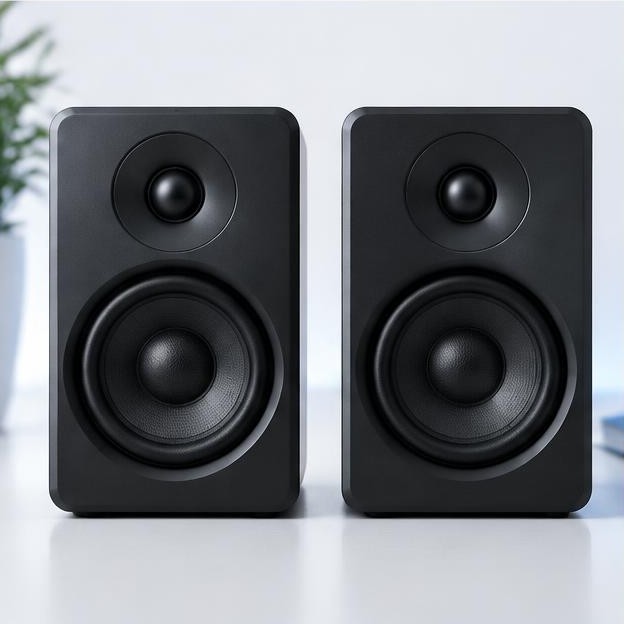
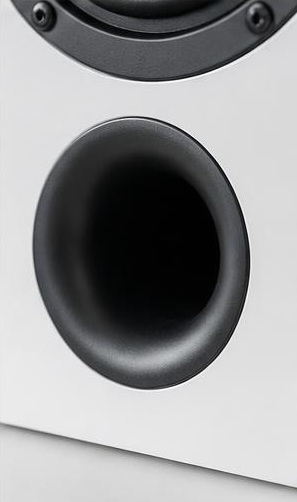
Chuffing is commonly described as a breathy, fluttering, or wind-like noise associated with airflow through a port. It tends to follow demanding low-frequency notes rather than continue during silence. A grille rattle sounds more like a mechanical buzz, while a loose object may tap or ring at a particular pitch.
Listen from the normal seat first. Do not put your ear against a port or driver, and do not insert fingers, paper, or tools into the opening. The room can make localization difficult, so identify the likely area without claiming certainty. If the sound is sharp, scraping, or accompanied by a sudden change in output, stop and seek service.
Reduce the demand before investigating
Turn down the volume and disable loudness boosts, bass enhancement, and aggressive low-frequency equalization. A small speaker can encounter airflow or excursion limits when asked to reproduce deep bass that is emphasized electronically. Some recordings also contain unusually strong low-frequency information that ordinary listening does not reveal.
Replay only a short section at a comfortable, lower level. If the noise disappears, retain the reduced setting while checking placement and bass management. Do not establish a maximum safe volume by repeatedly approaching the point where noise starts. That threshold can change with the recording, filter settings, and duration, and audible chuffing is not a calibrated indicator of remaining headroom.
Check clearance around the port
Read the manual's minimum clearance and inspect the opening from outside. Rear ports may be too close to a wall, curtain, or shelf backing; front ports may be partly blocked by an ornament or fabric. Remove external obstructions without touching the port's interior. Keep surrounding materials from being drawn toward the opening.
Moving the speaker slightly can also change how audible the port is at the seat. However, concealment is not a repair: placing the port where you cannot hear the noise does not reduce the underlying demand. Maintain safe furniture support, cable slack, and ventilation. Do not aim the port directly into a cushion or soft object as an improvised airflow treatment.
Distinguish port noise from nearby vibration
Clear lightweight objects from the speaker and adjacent furniture. If the grille is officially removable, compare briefly without it after following the handling instructions. Check that a cable is not tapping the cabinet and that a shelf or cabinet door is not vibrating on the same notes.
A mechanical rattle may occur at lower levels than genuine airflow noise and can persist on a narrow range of notes. Do not tighten driver screws or remove a port tube to investigate. If an object appears to have fallen inside, stop using the speaker and ask the manufacturer about removal. Tilting or shaking a heavy cabinet can damage internal parts and create a handling hazard.
Use bass management where available
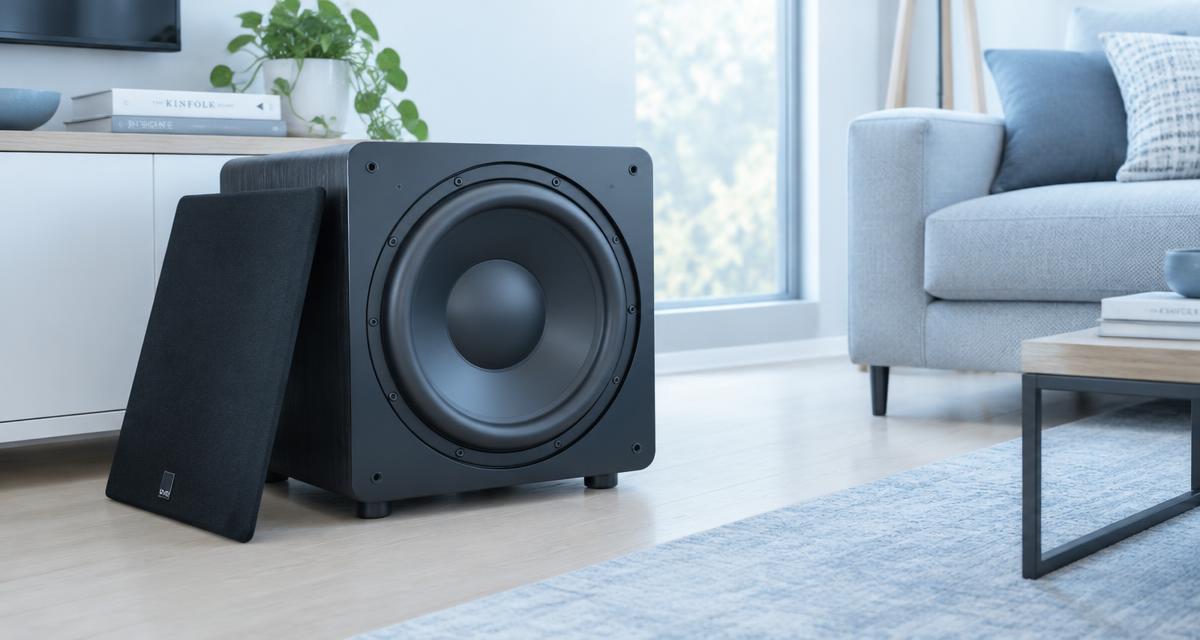
In a system with a suitable subwoofer, configure the main speakers to hand off low bass through the receiver's recommended crossover arrangement. This reduces the signal demanding the most cone movement and port airflow from the mains. Choose the crossover with reference to the speaker's capabilities and the receiver manual, not just the lowest number available.
A subwoofer alone does not automatically relieve the main speakers. If the mains still receive a full-range signal, adding bass underneath may increase total output without reducing their workload. Confirm that a high-pass function is actually active for the mains. Some stereo systems provide only a subwoofer output and no corresponding high-pass filter, so check the equipment's real behavior.
Treat port bungs as a model-specific option
Some manufacturers supply port bungs for placement or tonal adjustment. Use them only according to the exact model's instructions, including any distinction between partial and full insertion. Blocking a port changes the speaker's low-frequency behavior and does not automatically make every demanding signal safer.
Do not substitute socks, tissue, loose foam, or improvised inserts. Material can shift inside the enclosure, obstruct cooling paths, or create a new noise. If the manufacturer offers no bung guidance, ask support before experimenting. Compare the result quietly and expect a change in bass balance. A bung is an acoustic adjustment, not a repair for a damaged driver or loose internal component.
Avoid trying to equalize a deep-bass limitation away
Boosting frequencies below a speaker's useful range can sharply increase demand without producing proportionate audible bass. A room cancellation can make the situation worse by encouraging still more boost. If one seat lacks a note, compare another position before deciding the speaker needs additional low-frequency gain.
Use gentle cuts where appropriate and prioritize placement, crossover settings, and realistic playback levels. If your software provides a high-pass filter, use manufacturer guidance rather than guessing at an aggressive setting. Do not copy another speaker's tuning frequency or assume published extension figures describe unlimited output. Compact ported speakers remain constrained by driver displacement, port design, amplification, and the program material.
Recognize when the system needs a different solution
If clean playback requires less bass than you want, the practical answer may be a capable subwoofer, a supported high-pass arrangement, larger speakers, or lower listening levels. More amplifier power does not remove a port's airflow limits and may make overdriving easier. Choose equipment around the room size and listening distance rather than a single impressive specification.
Seek service if the noise began suddenly, occurs at quiet levels, or accompanies scraping, distortion, or an obvious loss of output. Give support the speaker model, amplifier, bass settings, placement, and track timestamp. A short recording can describe the noise but cannot certify airflow speed or distortion. Do not perform loud stress tests to supply additional evidence.
Sources
Consult the exact speaker manual for port clearance, supplied bungs, placement, and recommended operating settings. Receiver documentation establishes whether bass management actually high-passes the main speakers.
Official manufacturer support and manuals: svsound.com guidance ; kef.com guidance ; denon.com guidance