Quick answer
An Android phone that sounds quiet does not necessarily have a dirty speaker. Audio may be routed to a nearby Bluetooth device, a case may cover the grille, or an app may have its own low volume setting. Before touching the openings, play a familiar local recording at a comfortable level and confirm that the phone itself is the selected output. Compare another app if the first result seems abnormal.
Trong bài viết này
- Find out whether cleaning is actually needed
- Identify the openings on your particular phone
- Prepare a dry, controlled workspace
- Remove only loose material from the surface
- Avoid methods that turn dust into a larger problem
- Check the sound without changing several things at once
- When cleaning should give way to service
- Sources
Find out whether cleaning is actually needed
An Android phone that sounds quiet does not necessarily have a dirty speaker. Audio may be routed to a nearby Bluetooth device, a case may cover the grille, or an app may have its own low volume setting. Before touching the openings, play a familiar local recording at a comfortable level and confirm that the phone itself is the selected output. Compare another app if the first result seems abnormal.
Remove the case and inspect its cutouts. Pocket lint can accumulate inside a case and sit across the speaker even when the phone's mesh is relatively clean. Note whether the problem affects media, speakerphone calls or only the small receiver near the top of the display. These paths may use different components. If the problem began after rain, a spill or immersion, follow the manufacturer's liquid-exposure guidance first; brushing a wet grille is not the appropriate starting point.
Identify the openings on your particular phone
Android describes an operating system, not one physical design. Samsung Galaxy, Google Pixel and other phones differ in speaker position, grille construction and cleaning recommendations. Two similar rows of holes may serve different purposes, and a tiny nearby hole may be a microphone rather than a speaker. Use the manufacturer's diagram for your exact model instead of probing an opening to identify it.
Inspect the exterior in ordinary bright light. Look for loose lint, a surface layer of dust or a damaged grille. Do not remove a mesh, pry up a trim piece or use a pin to check the depth of a hole. If the phone is foldable, take additional care around the display and factory-installed protective layers. Google specifically warns against picking at protective-film edges on Pixel Fold. A routine cleaning session should not involve dismantling protective parts. google.com guidance
Prepare a dry, controlled workspace
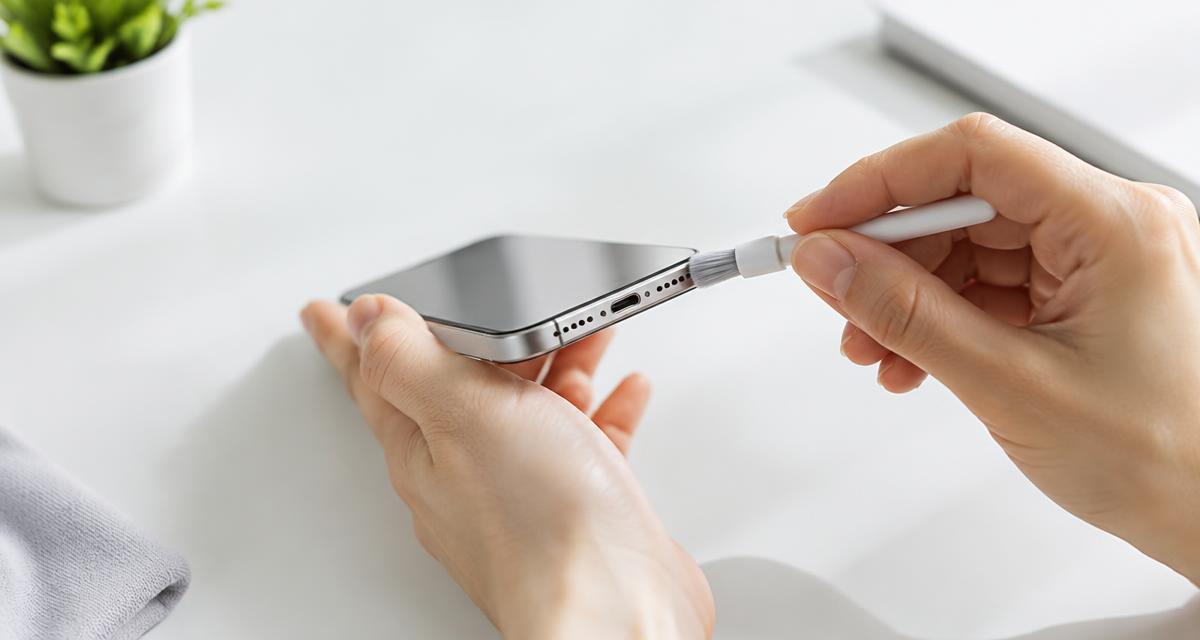
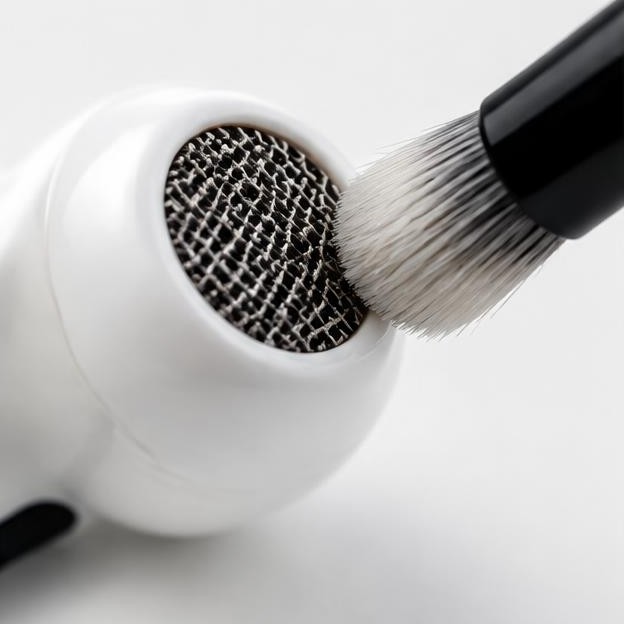
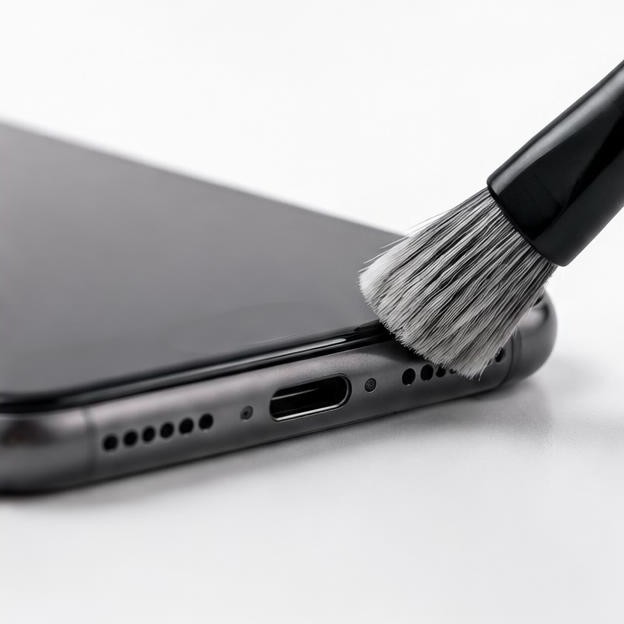
Unplug the phone, turn it off and place it on a clean, stable surface. Remove loose grit from the work area so it cannot scratch the screen. A soft, lint-free cloth is the safest initial tool for the exterior. If the manufacturer permits brushing the opening, use a clean, dry, very soft brush reserved for electronics, not a used toothbrush containing toothpaste or moisture.
Keep drinks, sprays and cleaning bottles away from the device. Do not place the phone beside a running sink just because the exterior needs wiping. Google's Pixel guidance allows different treatments for certain exterior stains but still says to avoid moisture or soap in openings and to avoid spraying cleaners or compressed air at the phone. Permission to disinfect a screen does not mean alcohol should be applied to a speaker grille, microphone or USB-C port. google.com guidance
Remove only loose material from the surface
Start by gently wiping the exterior around the speaker opening with the dry cloth. Where the manufacturer's instructions allow a soft brush, use light strokes across the surface, with the opening angled downward so loosened particles can fall away. The aim is to lift accessible debris, not to push bristles through the mesh. Avoid force, repeated scrubbing and attempts to reach material behind the grille.
Stop and inspect after a few gentle strokes. If nothing visible moves, increasing pressure is unlikely to make the task safer. Packed wax, adhesive residue, sand or sticky contamination may require professional cleaning. Do not press tape or reusable adhesive putty onto the mesh unless the manufacturer expressly recommends it; residue and lifting forces create additional risks. Do not insert toothpicks, sewing needles, SIM tools or metal picks. The fact that a tool fits an opening does not establish that anything inside can safely be touched.
Avoid methods that turn dust into a larger problem
Compressed air can drive particles or moisture inward and is not a universal phone-cleaning method. Household vacuums can apply uncontrolled suction, while stiff brushes can deform delicate protective material. Cleaning liquids can spread through openings rather than remain where you intend. None of these methods should replace the model's care instructions. If a cleaning recommendation online depends on inserting a tool deeply or soaking a grille, leave it untried.
Sound-based dust cleaners also have limits. Playing a tone does not dissolve grease, remove packed lint or prove that a speaker chamber is clean. There is no universal cleaning frequency for Android phones. You do not need a prolonged tone session before or after wiping the exterior. If you use audio later to check the result, keep it brief and comfortable, and stop if you hear severe distortion. A louder test is not a more thorough cleaning treatment.
Check the sound without changing several things at once
Once the exterior is clean and completely dry, restart the phone and repeat the same recording at the same setting. Keep the case off for this comparison. If the sound is now clear, reinstall the case and listen again; a change at that point identifies an accessory problem rather than a dirty speaker. Samsung's speaker troubleshooting similarly starts by removing external devices and accessories and checking Bluetooth routing. samsung.com guidance
If the sound remains poor, test two or three recordings from different apps. Google recommends comparing sources because a damaged file or particular stream can sound distorted while the phone hardware is working. Check media volume during playback rather than assuming the ringtone slider controls it. Temporarily disable optional sound enhancements if they were recently changed, and record the original settings. Do not begin with a factory reset, which is disruptive and does not physically remove debris. google.com guidance
When cleaning should give way to service
Arrange help if a grille is torn, the mesh appears detached, sound remains distorted across apps, or the problem followed a drop or liquid exposure. Persistent symptoms may involve a damaged driver, internal contamination or another fault rather than surface dust. Do not open the phone solely to continue a cleaning attempt: seals, adhesives, batteries and fragile cables make internal work a different category of repair.
Tell the service provider what you saw, which output is affected and whether removing the case changed anything. Mention any liquid, adhesive cleaner or tool already used. Ask whether the proposed work is external cleaning, component replacement or internal inspection, and whether protective seals will need attention. For prevention, keep the case interior clean, avoid carrying the phone alongside loose gritty debris and wipe the exterior periodically. Gentle maintenance is preferable to waiting until compacted material requires aggressive intervention.
Sources
Manufacturer guidance: google.com guidance ; google.com guidance ; samsung.com guidance