The complete guide
Fix my speaker: a practical first step after a splash
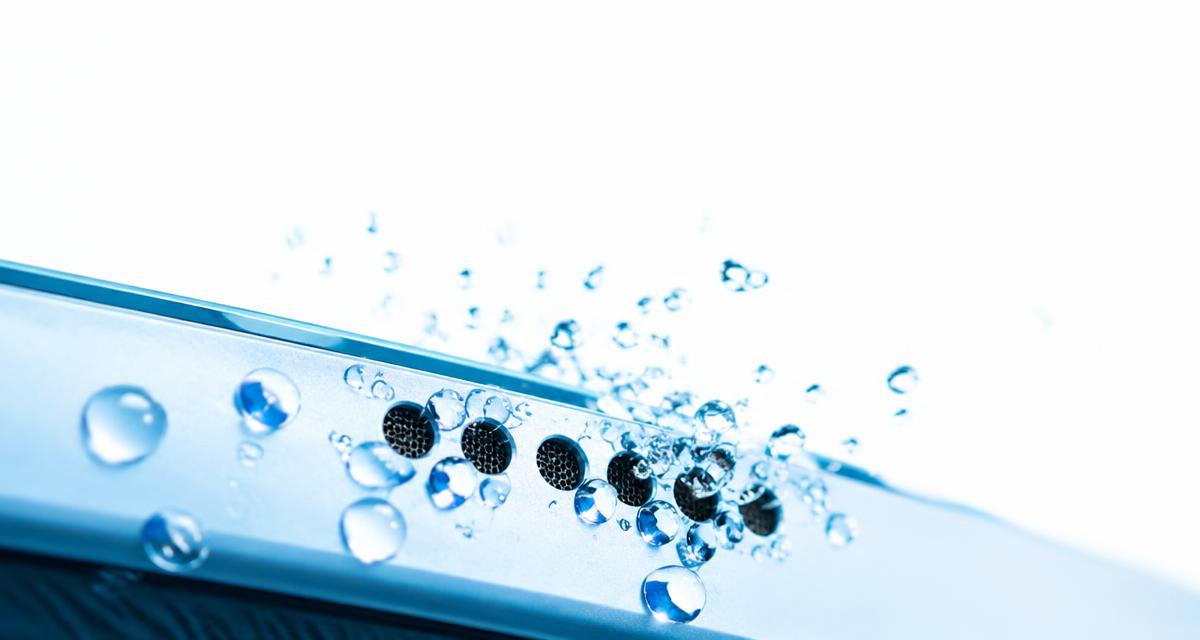
FixMySpeaker.now is a free browser tool for trying a water eject sound when a device speaker becomes muffled after contact with water. It plays a 165 Hz tone with Continuous, Pulse, and Sweep modes and a timer. The idea is to move the speaker diaphragm so droplets near the speaker opening may shift. Results depend on where the water is and how the device is built.
If you searched for fix my speaker or a sound to get water out of phone, start with realistic expectations. This tool may help a wet-sounding speaker, but it does not dry the whole phone or repair liquid damage. First follow your device manufacturer’s advice for liquid exposure, and do not delay urgent action just to complete a playback session.
Signs that water may be affecting the speaker
A speaker can sound quieter, muffled, crackly, or uneven after a splash. Voices may lose clarity, and familiar music may sound as if the speaker opening is covered. A close connection between the exposure and the symptom makes moisture a possibility, but sound alone cannot confirm where liquid is located or whether anything inside has been damaged.
Other problems can sound similar. A case edge, pocket lint, a poor recording, or an audio setting can all reduce clarity. Check ordinary media at modest volume and confirm that sound is coming from the intended speaker rather than Bluetooth equipment. If the phone becomes hot, restarts unexpectedly, shows visible damage, or behaves abnormally, stop audio testing and follow the manufacturer’s service guidance.
How to use the water eject tool
Remove the device from the wet environment and dry its exterior with a soft cloth according to the manufacturer’s instructions. Disconnect charging cables. Place the phone securely so the speaker opening is unobstructed, with the opening facing downward if that is practical and safe. Keep it away from your ears. Set a moderate media volume rather than immediately choosing maximum output.
Start with a brief timed session in one mode and listen for signs of strain. Stop afterward and compare familiar speech at the same volume as before. Give the device time to dry naturally as directed by its manufacturer.
Stop if playback causes harsh rattling, discomfort, or unusual heat.
Do not shake the device aggressively or strike it against your hand.
If there is no clear improvement, avoid endless repeated sessions.
Why use a 165 Hz water out of speaker sound?
A 165 Hz tone makes the speaker diaphragm vibrate at a low audio frequency. That movement may help shift droplets near the speaker opening. The main Water Eject tone uses this frequency as a practical starting point. It is not a universal resonance for every phone, and there is no reason to assume every device responds identically.
Speaker size, protective mesh, enclosure design, and the position of moisture all affect the outcome. Continuous, Pulse, and Sweep modes provide different playback patterns, but none guarantees that trapped water will leave. A water out of speaker sound works only through the speaker’s motion. It cannot pull liquid out of charging ports, clear moisture behind a camera lens, or reverse corrosion inside the device.
iPhone and Android tips: check the actual opening
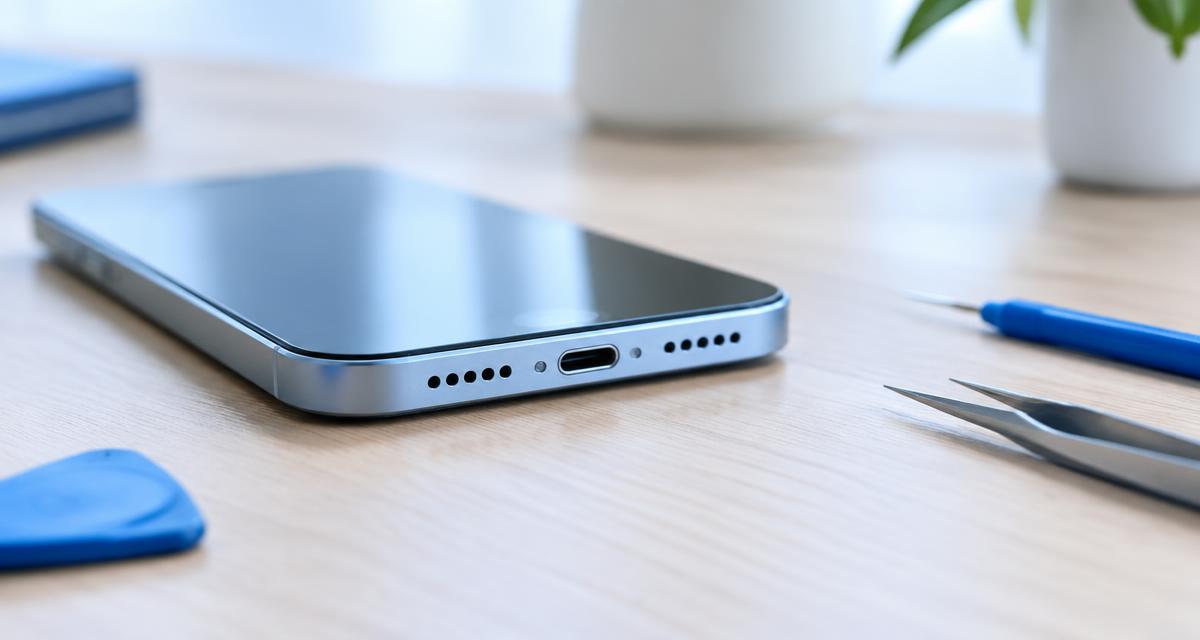
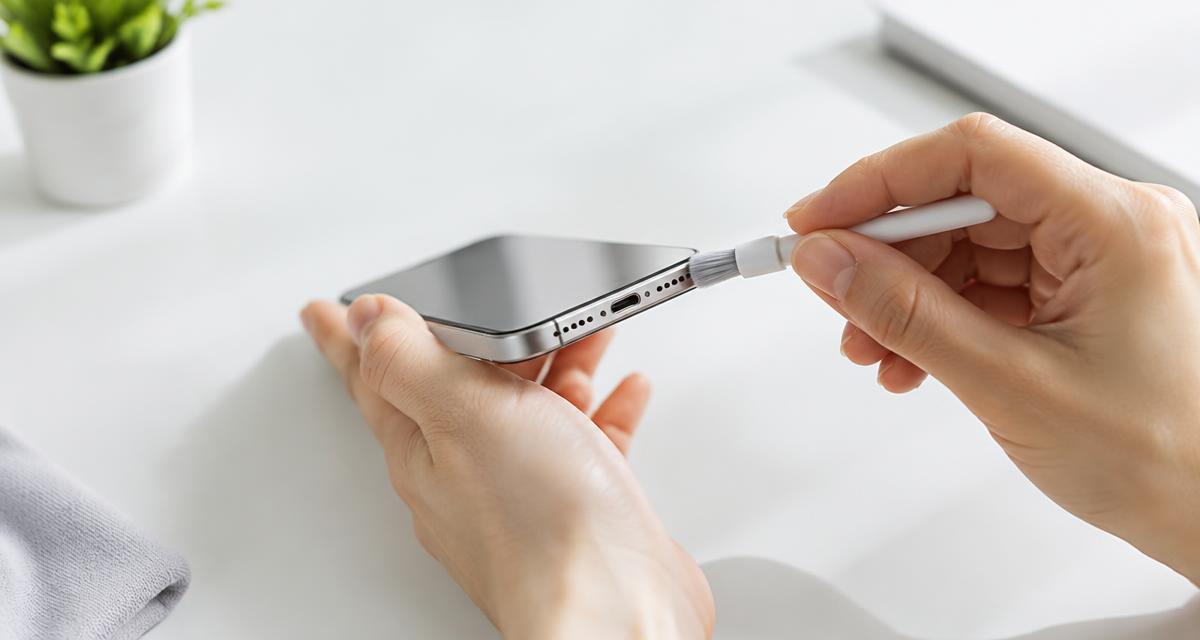
If you want to clean iPhone speaker openings after a splash, avoid inserting tools into the grille or assuming both bottom openings are speakers. Speaker and microphone placement varies by model. Check Apple’s model-specific guidance, remove any case obstruction, and pay attention to liquid alerts. A clearer speaker does not mean a connector is dry or that wired charging is safe.
Android phones vary widely in speaker layout, water-resistance ratings, and audio processing. Check your manufacturer’s instructions instead of copying a method intended for another model. Some devices include their own maintenance features, but those features still have limits. For either platform, distinguish the media speaker from the call earpiece. A problem limited to calls may need different troubleshooting from a problem affecting all playback.
When sound will not fix a phone speaker
If you are researching how to fix phone speaker problems, separate temporary moisture from physical damage. A torn diaphragm, failed amplifier, corroded connection, or broken cable will not be repaired by a tone. Sticky drinks and salt water can leave harmful residue even when a speaker starts sounding better. Significant exposure needs manufacturer guidance, not repeated attempts to make the audio seem normal.
Water eject also will not solve every software or routing issue. Check media volume, connected devices, and whether the problem occurs across several apps. For a missing channel, try Speaker Test. For dry exterior debris, consider appropriate manufacturer-approved cleaning and the Speaker Cleaner tool. If distortion persists at low volume after drying, or the device has other symptoms, arrange an assessment.
Safety comes before speaker recovery
Do not charge a wet device or connect accessories until its manufacturer’s conditions for doing so are met. Avoid heat guns, hair dryers, ovens, compressed air, and sharp objects pushed into openings. Do not rely on rice as a repair method; it does not address internal damage and can introduce debris. A dry-looking exterior is not proof that moisture has gone.
Water resistance can change with wear, impact, and previous repairs. Do not test it by intentionally wetting the device. Keep playback comfortable, take breaks, and stop if the speaker sounds distressed. If liquid exposure is severe, powering down may be appropriate under the manufacturer’s instructions. Prioritize those instructions over any online water-ejection routine, including this one, and seek qualified help when needed.
Apple Watch history and quick answers
Apple Watch helped popularize speaker water ejection through its Water Lock feature. When Water Lock is turned off on supported models, the watch plays tones to help clear water from its speaker. The important distinction is integration: Apple controls the watch hardware and its software behavior. Playing a browser tone on a different device does not recreate the complete feature or its water-resistance design.
How long should you try? Use a brief session, reassess, and allow drying time rather than running sound indefinitely. Does improved audio prove the phone is safe? No. Can this tool fix a speaker that was already damaged? No. Treat water eject as a limited first step for a specific symptom, then choose settings checks, careful drying, or professional inspection based on what happens next.
Continue with phone, tablet and home speaker checks
If sound remains muffled after drying, avoid turning the tone up. Check normal playback with the Phone Audio Test, compare channels with the Speaker Test, or read the Dust Cleaner guidance before carefully cleaning the outside of the grille. A persistent change in sound may need professional inspection rather than repeated tones.
For a silent iPad, read iPad No Sound? Settings and Speaker Checks before trying the iPad Speaker Test. For a Samsung tablet, read Samsung Galaxy Tablet No Sound? Speaker Checks and compare playback with the Samsung Tablet Speaker Test. Check media volume and whether sound is being sent to Bluetooth headphones or a wired accessory before assuming the speaker has failed.
For home audio, choose a test appropriate to the speaker. A subwoofer comparison is not suitable for a small tablet speaker. Check routing, compare familiar media and keep playback brief. Related guides explain when a change points to an application, accessory, setting or room-placement issue and when persistent symptoms need qualified inspection.
Speaker tools, guides and language options
Choose a speaker check by symptom and device: phones, iPads and Galaxy tablets, laptops, earbuds or home speakers. Search by a translated tool name or its English name and use categories to narrow the results. Each tool links to relevant next-step tools and guides. The language menu keeps your current page open when switching. Navigation and controls are localized; longer tool and article bodies can be translated using your browser. Start quietly and compare the same recording before changing settings. A clearer sound does not prove liquid damage is repaired or a wet device is safe to charge.