Quick answer
An iPhone speaker grille is a very fine mesh, and it sits at the bottom edge where pockets, bags and desks drop lint and dust straight onto it. Over months this builds up into a plug that makes music quieter and calls harder to hear. The earpiece at the top has a different problem: it gets skin oil, makeup and sweat.
في هذا المقال
Why iPhone speakers get dirty
An iPhone speaker grille is a very fine mesh, and it sits at the bottom edge where pockets, bags and desks drop lint and dust straight onto it. Over months this builds up into a plug that makes music quieter and calls harder to hear. The earpiece at the top has a different problem: it gets skin oil, makeup and sweat.
Cleaning is simple, but the mesh and the water-resistance seals are delicate. The goal is to lift debris out without pushing it deeper or letting liquid past the seals.
Make one change at a time and compare the same short recording afterward. Keep the source, volume and listening position consistent. Otherwise a different track or a louder setting can sound like a successful repair when nothing has changed. A simple note of the symptom, the action taken and the result makes the process easier to follow and gives a technician useful information if you later need help.
What you need
Check the manufacturer’s instructions for the exact model before applying advice written for another device. Speaker openings, protective meshes and water resistance arrangements vary. An opening that looks like a second speaker may actually serve a microphone or vent. Do not poke it to investigate. If a procedure requires force, unfamiliar chemicals or disassembly that you cannot confidently reverse, pause and choose a safer inspection or professional service instead.
A soft, dry toothbrush or clean makeup brush
A clean, dry workspace
A lint-free cloth
The manufacturer’s cleaning instructions for your model
Good light, so you can see the mesh holes
Before you begin
Power off the phone and remove the case. Hold the phone with the speaker facing down, so loosened debris falls away from the opening rather than back in. Work on a clean, flat surface with a towel under you so nothing rolls away.
Take a look at the grille in bright light. If you see a visible plug of grey fluff, that is the main target. If the grille looks clean but sound is poor, water or a hardware issue is more likely.
Use comfortable listening levels throughout the checks. Keep test tones away from your ears and avoid long sessions simply because improvement is slow. More volume is not a stronger cleaning treatment. Stop if the device develops unusual heat, severe distortion or a new mechanical noise. A short test should answer a specific question; once it has answered that question, silence the tone and decide what to do next.
Clean the bottom speaker
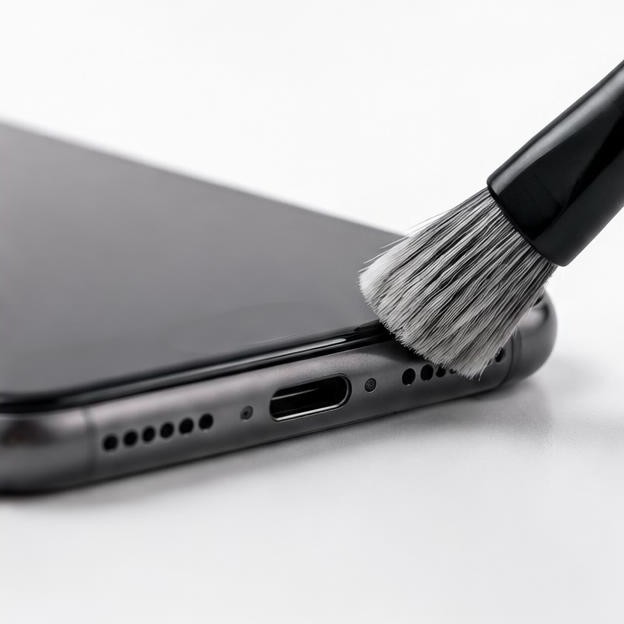
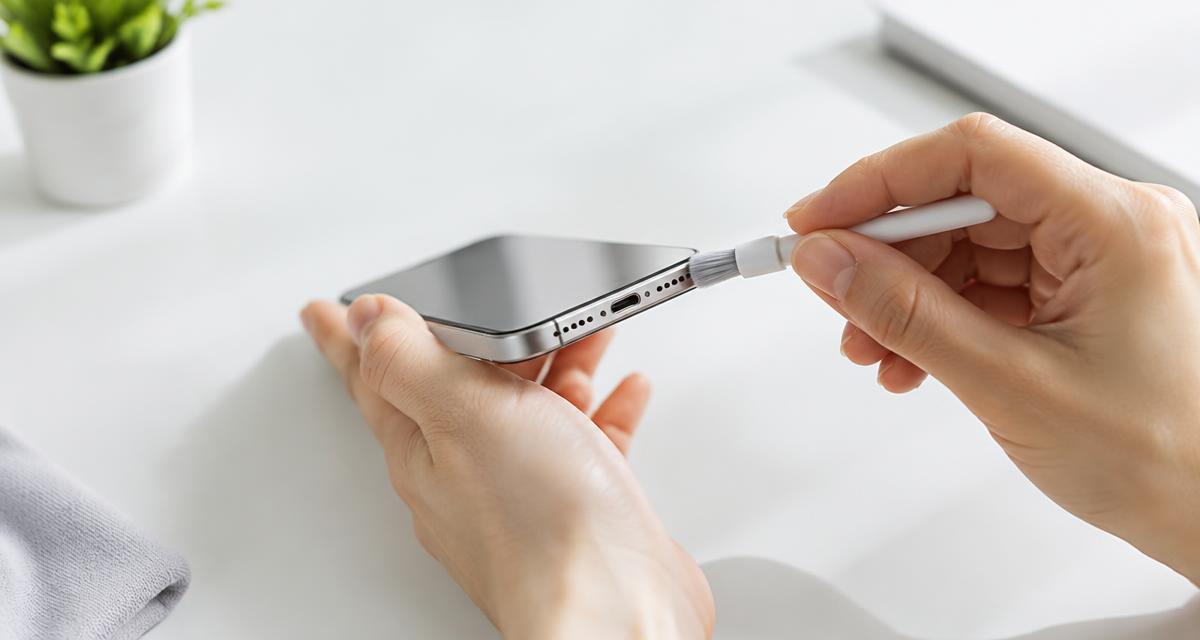
Brush along the grille holes at an angle so debris falls out, not in. Use light strokes and let the bristles do the work. Keep the brush at the surface and avoid adhesive cleaners that could leave residue.
If debris does not lift with gentle brushing, stop. Packed material may need professional cleaning; pressing harder risks damaging the mesh.
Finish with the Dust Cleaner sweep to shake loose anything left inside. Keep the phone speaker-down and start at a moderate volume.
A browser tool depends on the playback path selected by your device. Before interpreting a result, confirm that Bluetooth headphones, a dock or another output have not taken over. Start playback with the on screen control, then check the appropriate volume setting. If the browser remains silent, try familiar audio elsewhere. A silent web page by itself does not establish that a physical speaker has failed.
Clean the earpiece speaker
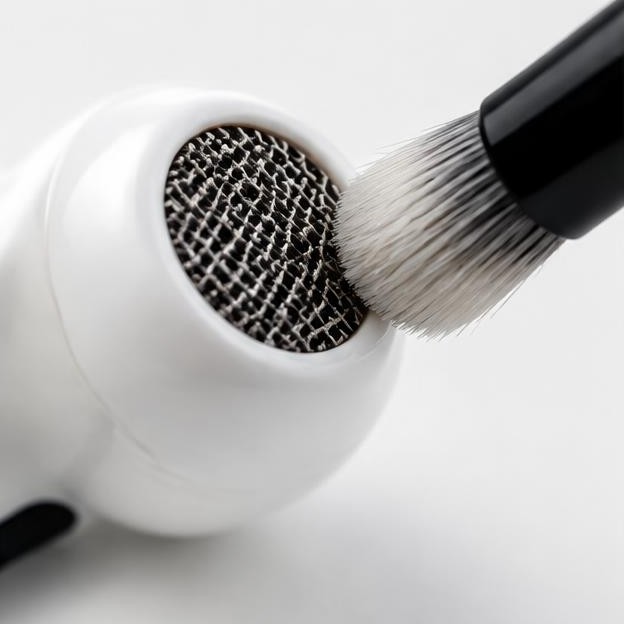
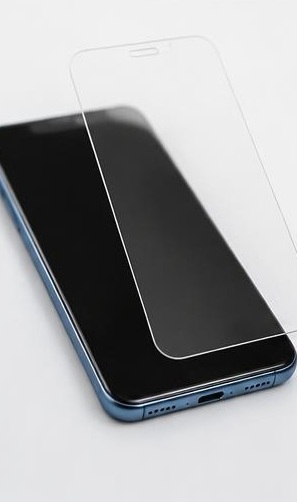
The top earpiece collects skin oil and makeup. Use a clean, dry, soft brush gently across the surface, then wipe the surrounding housing with a dry cloth. If calls still sound quiet, check that a screen protector is not covering the earpiece slot.
Do not drip alcohol or other cleaning liquid into the earpiece. Exterior disinfecting guidance does not mean that liquid is suitable inside speaker openings.
Do not treat a change in sound as proof that all damage is gone. A device can play normally while an unrelated electrical or charging problem remains. Watch for warnings and follow the relevant safety instructions before reconnecting power. Likewise, a faint low note may simply be outside a small speaker’s useful range. Judge recovery using ordinary speech and familiar music as well as controlled tones.
Things that damage iPhone speakers
If you need service, describe the event and the remaining symptoms accurately. Explain whether there was liquid, impact, an update or gradual deterioration, and list the checks already attempted. Ask what the proposed repair includes and whether any seals or protective parts need replacement. A clear diagnosis and written estimate are more useful than ordering a part because someone else reported a similar sounding problem online.
Compressed air sprayed straight in can tear the mesh.
Metal tools scratch the coating and can puncture the membrane.
Liquid cleaners can seep past the water-resistant seals.
Sharp wooden toothpicks can splinter and leave fragments inside.
Vacuum cleaners can pull on the diaphragm.
If the sound is still muffled
Dust is only one cause. If the speaker still sounds dull after cleaning, compare another recording and check output settings. For recent liquid exposure, follow the manufacturer’s drying guidance; a brief quiet Water Eject attempt is not proof of internal drying or a reason for repeated louder tones.
If you have recently been to the beach or a pool, residue could also be the cause. Our guide on getting water out of a phone speaker covers salt and chlorine.
Allow time between attempts to inspect the result rather than repeating the same action automatically. Look for visible debris or moisture only from outside the opening, using ordinary good lighting. Do not insert a tool just to get a better view. If the condition is unchanged after cautious checks, that is useful evidence that the next step should be a different diagnostic approach, not greater pressure or louder playback.
Test the result
Use Speaker Test to compare Left and Right playback at a comfortable level. Channel routing depends on the model and orientation, and the upper and lower speakers need not sound identical.
For bass, play a slow sweep in the Tone Generator. Weak low notes next to strong highs can mean the mesh is still partly blocked.
How often should you clean
Every few months is enough for most people. If you keep your phone in a pocket with keys or a bag with loose items, check the grille monthly. A quick brush when you notice dust takes less than a minute and prevents a bigger build-up.
Quick answers
Can I use a pin? No. It can puncture the membrane.
Should alcohol enter the mesh? No. Keep cleaning fluids away from speaker openings.
Can I rinse the phone under a tap? Not as a cleaning method, even on water-resistant models.
Will Dust Cleaner remove lint? A sweep may reveal buzzing, but cannot reliably remove packed debris.
How do I know it worked? Use the Speaker Test.