Quick answer
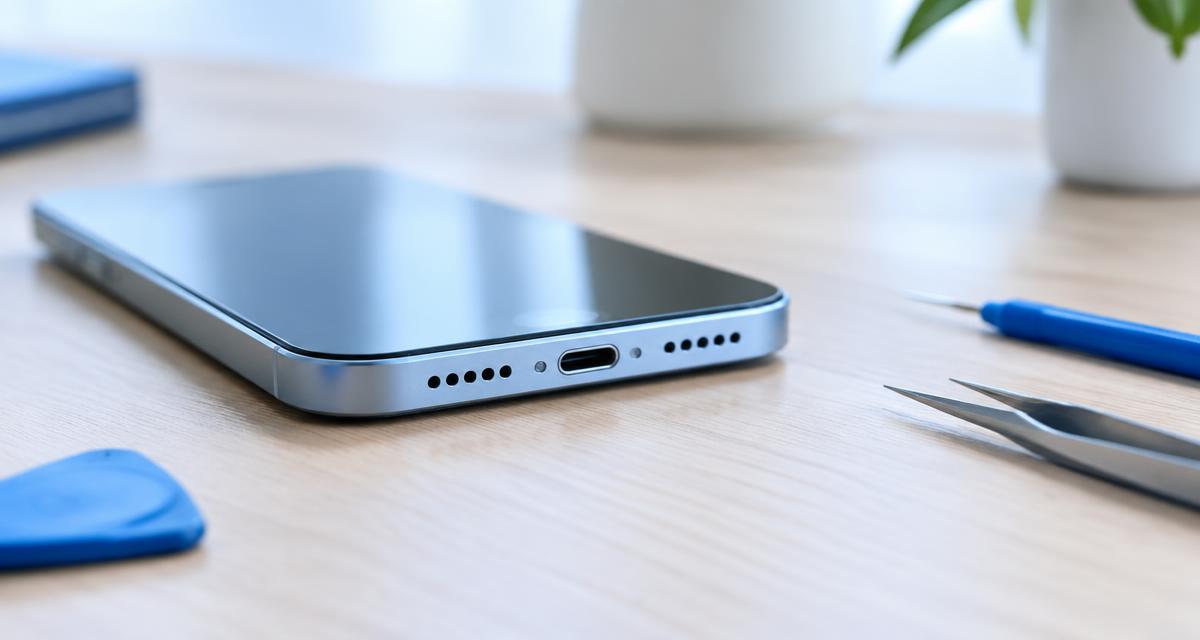
Android has separate controls for media, calls, alarms and notifications. Start by deciding whether everything is silent or just one activity. Play a familiar local recording, make a normal call and try speakerphone. Write down which ones fail. A working earpiece with a silent loudspeaker points toward a different path than silence everywhere. Do not assume every bottom opening is a speaker; some house microphones.
Σε αυτό το άρθρο
Find out which sound is missing
Android has separate controls for media, calls, alarms and notifications. Start by deciding whether everything is silent or just one activity. Play a familiar local recording, make a normal call and try speakerphone. Write down which ones fail. A working earpiece with a silent loudspeaker points toward a different path than silence everywhere. Do not assume every bottom opening is a speaker; some house microphones.
Make one change at a time and compare the same short recording afterward. Keep the source, volume and listening position consistent. Otherwise a different track or a louder setting can sound like a successful repair when nothing has changed. A simple note of the symptom, the action taken and the result makes the process easier to follow and gives a technician useful information if you later need help.
Check volume and audio routing
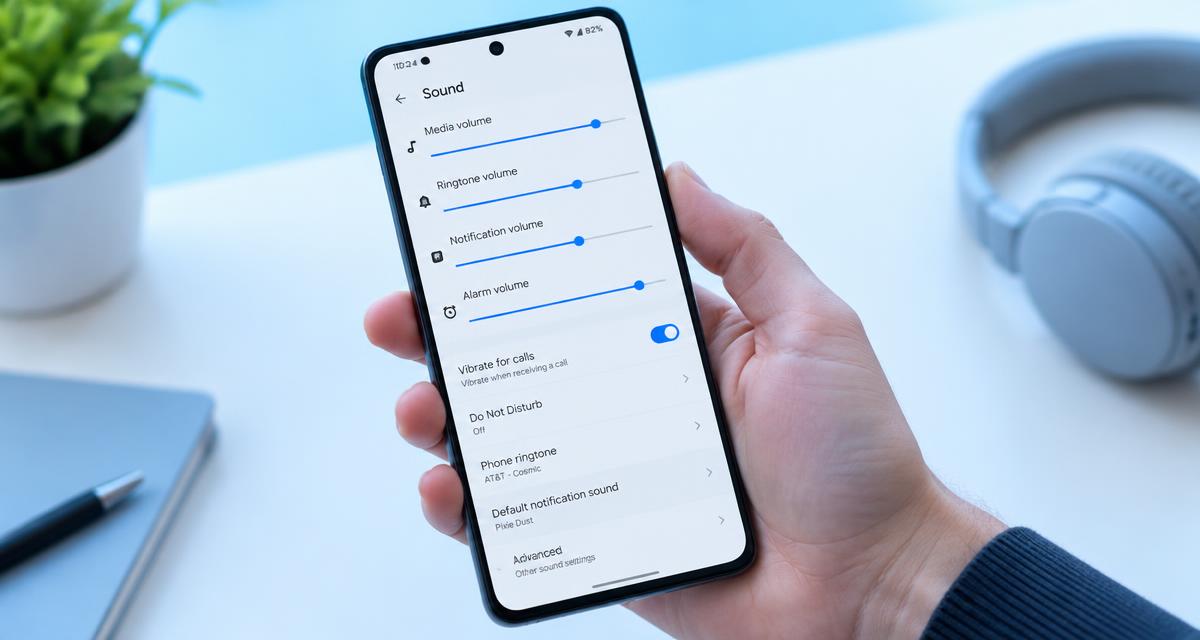
Raise media volume while a video is actually playing. Disconnect wired adapters and temporarily turn off Bluetooth so a car or nearby headset cannot take the output. Check the selected playback device in the media controls. Silent mode and Do Not Disturb mainly affect alerts, so test media separately rather than treating the notification setting as a complete explanation. Inspect accessibility balance and any mono audio setting as well.
Check the manufacturer’s instructions for the exact model before applying advice written for another device. Speaker openings, protective meshes and water resistance arrangements vary. An opening that looks like a second speaker may actually serve a microphone or vent. Do not poke it to investigate. If a procedure requires force, unfamiliar chemicals or disassembly that you cannot confidently reverse, pause and choose a safer inspection or professional service instead.
Compare apps before changing the system
Try another browser, a downloaded audio file and a different streaming app. If only one app fails, check its own mute control and restart it. Install available app updates. On devices that provide it, clearing cache can help without deleting the account, but clearing storage is different and may erase downloads or preferences. Read each confirmation screen. Avoid deleting app data simply because the speaker is quiet.
Use comfortable listening levels throughout the checks. Keep test tones away from your ears and avoid long sessions simply because improvement is slow. More volume is not a stronger cleaning treatment. Stop if the device develops unusual heat, severe distortion or a new mechanical noise. A short test should answer a specific question; once it has answered that question, silence the tone and decide what to do next.
Restart and use safe mode carefully
Restart normally first. If the issue remains, consult the manufacturer’s safe mode instructions for your exact model. The button sequence varies, so a universal power menu shortcut is not reliable. Safe mode temporarily disables downloaded apps. If sound returns, a recent equalizer, recording app or automation tool may be involved. Restart to leave safe mode, then remove or disable likely causes individually instead of uninstalling everything.
A browser tool depends on the playback path selected by your device. Before interpreting a result, confirm that Bluetooth headphones, a dock or another output have not taken over. Start playback with the on screen control, then check the appropriate volume setting. If the browser remains silent, try familiar audio elsewhere. A silent web page by itself does not establish that a physical speaker has failed.
Check device specific audio features
Samsung, Pixel and other Android interfaces use different names and menu locations. Look for audio effects, equalizers, separate app routing and accessibility settings rather than relying on a path written for another model. Disable optional effects temporarily and test again. Not every device includes Adaptive Sound or a built in speaker cleaning feature. Keep a note of the original settings so you can restore useful features afterward.
Do not treat a change in sound as proof that all damage is gone. A device can play normally while an unrelated electrical or charging problem remains. Watch for warnings and follow the relevant safety instructions before reconnecting power. Likewise, a faint low note may simply be outside a small speaker’s useful range. Judge recovery using ordinary speech and familiar music as well as controlled tones.
Treat moisture and dust differently
After a light splash, dry the exterior and consult the liquid exposure guidance before using audio. Water Eject provides a 165 Hz tone with Continuous, Pulse and Sweep modes plus a timer. It may help surface droplets, but does not repair corrosion. For dry lint, use a clean soft brush at the grille surface. Dust Cleaner is an optional sweep, not a substitute for physically removing packed dirt safely.
If you need service, describe the event and the remaining symptoms accurately. Explain whether there was liquid, impact, an update or gradual deterioration, and list the checks already attempted. Ask what the proposed repair includes and whether any seals or protective parts need replacement. A clear diagnosis and written estimate are more useful than ordering a part because someone else reported a similar sounding problem online.
Measure improvement without overtesting
Use Speaker Test to compare left and right output after confirming the browser is using the phone speakers. Some phones have only one loudspeaker, and stereo models may use unequal drivers. Keep volume comfortable. Tone Generator can help reproduce a narrow buzz, but very low frequencies may be naturally weak on a phone. Missing deep bass is not proof of failure. Stop testing if you hear harsh distortion or notice heat.
Allow time between attempts to inspect the result rather than repeating the same action automatically. Look for visible debris or moisture only from outside the opening, using ordinary good lighting. Do not insert a tool just to get a better view. If the condition is unchanged after cautious checks, that is useful evidence that the next step should be a different diagnostic approach, not greater pressure or louder playback.
Choose updates, backup or repair
Install official system updates when the device is dry and stable. Back up important files before resetting settings. A factory reset deletes personal data and should not be the first response to an isolated speaker fault. Persistent silence after a drop, liquid exposure or careful routing checks warrants service. Tell the technician which apps and outputs worked. Avoid opening the phone unless you understand the battery and sealing risks.
Quick answers
Can headphones work while the speaker fails? Yes, they use a different output path. Does safe mode erase my files? It normally does not, but follow your manufacturer’s procedure. Will a cleaning tone fix hardware? No. Should I force a factory reset? Not before backing up and excluding simpler causes. Why is one channel weak? The device may route channels differently or use speakers with different capabilities.