
Online tone generator for focused audio checks
The FixMySpeaker.now tone generator produces selectable frequencies from 20 Hz to 20 kHz. Choose sine, square, sawtooth, or triangle waveforms to explore how a signal sounds through your current output device. This online tone generator is useful for focused listening, comparing settings, or investigating a repeatable buzz. It is not a calibrated laboratory source or a medical hearing test.
A frequency generator creates a controlled signal, but your browser, operating system, audio interface, and speakers all influence what reaches your ears. The displayed frequency describes the requested signal, not a guarantee of acoustic accuracy or loudness. Start with a simple waveform at a comfortable level and treat every result as specific to the equipment and settings in use.
How to use the frequency generator
Select the output device you want to check, then turn down the media volume. Choose a sine wave and a frequency within your speaker’s normal operating range. Start playback and increase level only until the tone is clearly audible. Keep the device away from your ears. Stop playback before switching to a dramatically different frequency or a harsher waveform.
Change one variable at a time. If you are investigating a buzz, note the frequency, volume, and speaker position so you can reproduce the observation later. Avoid leaving a continuous tone running while you step away.
Confirm Bluetooth or HDMI is not sending audio somewhere unexpected.
Use short listening periods with quiet breaks.
Return the volume to a normal setting before playing other media.
Frequency, pitch, and perceived loudness
Frequency is measured in hertz, or cycles per second. Lower frequencies generally sound lower in pitch, while higher frequencies sound higher. Perceived loudness does not remain constant as frequency changes, even when a signal’s digital level stays the same. Human hearing sensitivity and the playback system’s response both influence which notes seem strongest.
The available 20 Hz to 20 kHz range should not be treated as a range everyone must hear. Age, listening conditions, hearing differences, and equipment limits all matter. A small speaker may barely reproduce bass, while a headphone or audio path may roll off high frequencies. Do not increase volume sharply to chase a tone you cannot hear. Inaudible or faint output can still stress equipment or create unexpected sounds.
Choosing sine, square, sawtooth, or triangle
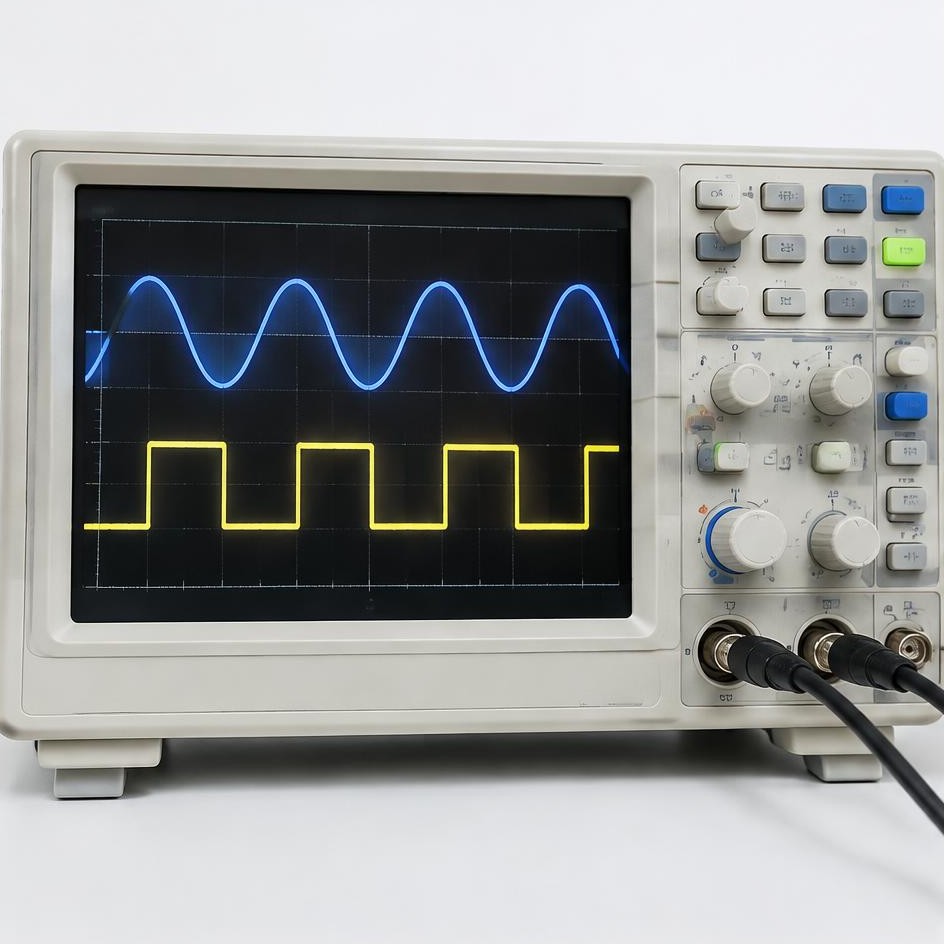
A sine wave contains a single frequency in the ideal signal, making it a useful starting point for basic checks. A square wave includes a series of odd harmonics and sounds much brighter. A sawtooth includes both even and odd harmonics, producing a buzzy character. A triangle also has odd harmonics, but they decrease more quickly than those of a square wave.
These differences mean the selected frequency is not the only frequency present in every waveform. A low square-wave setting can produce clearly audible higher harmonics even when the fundamental is weak. At high settings, practical digital generation and playback limits can alter the result. Use sine waves when you want the simplest listening comparison, and use complex waveforms cautiously rather than assuming equal perceived loudness.
Practical uses on different devices
On desktop speakers, a steady tone can help reveal a cabinet buzz or a loose object nearby. On headphones, it can support a basic comparison between outputs, although the dedicated Speaker Test is better for channel identification. On a phone, use moderate frequencies and modest volume. Tiny drivers are not suitable for demanding deep-bass experiments or prolonged high-level playback.
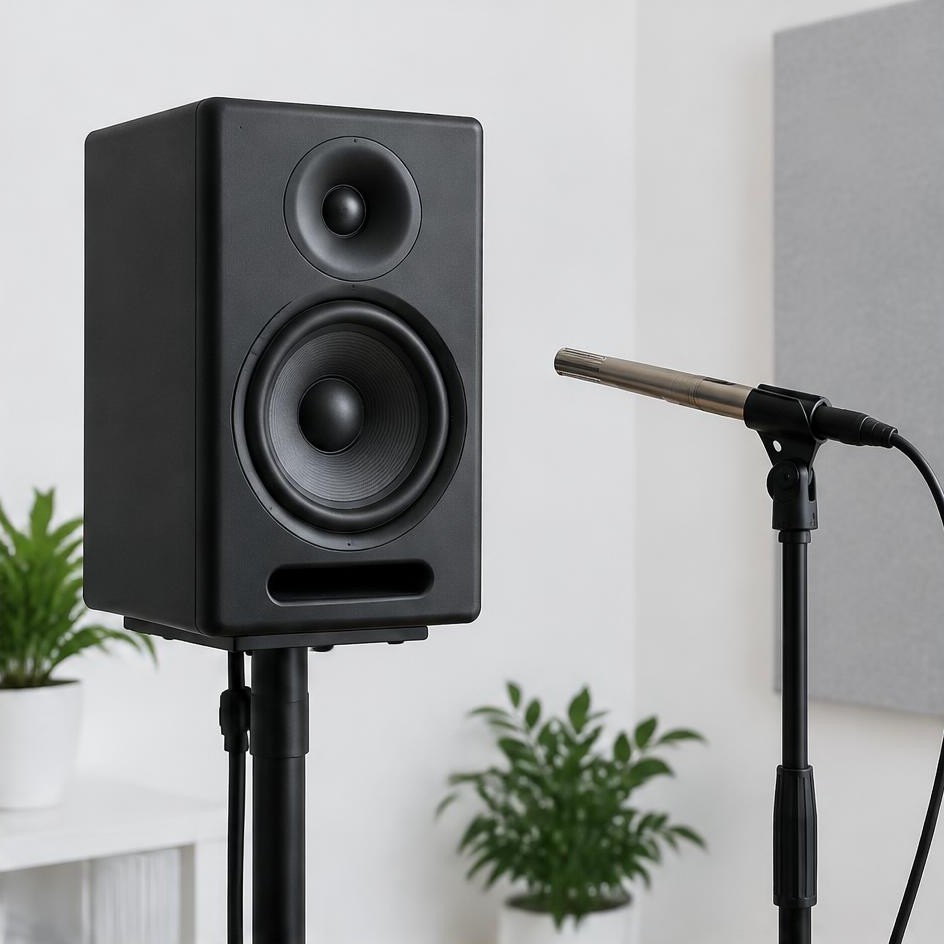
For an external audio interface, verify its output selection and any hardware monitor controls. With Bluetooth equipment, processing and codec behavior may affect the result. If you are comparing devices, keep the test frequency, listening position, and approximate loudness consistent. A subjective comparison can reveal a practical difference, but it cannot replace a calibrated microphone, controlled measurement conditions, or appropriate analysis software.
Troubleshooting silence, buzzing, and unexpected tones
If nothing plays, tap or click the page to permit browser audio, check the tab mute state, and confirm media volume. Try a moderate audible frequency rather than starting at an extreme. Check whether another app or connected output has taken control. If ordinary audio also fails, investigate the device’s audio settings before changing the generator repeatedly.
Buzzing may come from distortion, a vibrating object, an enclosure part, or the chosen waveform itself. Switch to sine at low volume to simplify the comparison. If the noise disappears with a different output device, the original playback path deserves attention. If it occurs only in one browser session, reload the page after stopping playback. None of these checks identifies a damaged component with certainty.
Safety when playing steady tones
Steady tones can become uncomfortable quickly, particularly through headphones. Begin quietly, keep sessions brief, and stop for any discomfort, ringing, or fatigue. Do not use the generator to test pain tolerance or determine the highest frequency you can hear at maximum volume. If you have hearing concerns, seek an appropriate assessment rather than drawing conclusions from a browser test.
Speakers also have limits. Very low frequencies may demand large driver movement, and complex waveforms can place additional energy in higher frequencies. Do not connect this tool to a powerful system at an unknown level. Keep amplifiers within their normal operating conditions, avoid heavy equalizer boosts, and never leave a test running unattended. Be considerate of other people and animals nearby.