



Find a reading path that matches the problem
The FixMySpeaker.now blog directory organizes practical guidance around Water, Cleaning, Troubleshooting, Tablets, and Home Audio. Start with the event or symptom that best describes your situation rather than reading every article in order. A recent spill calls for a different first step from a laptop that crackles only during video calls or a subwoofer that rattles at one note.
Use the category buttons to narrow the article list, then search for a device or symptom. Search checks article titles and descriptions, so a short phrase such as earbuds, laptop, or speaker can work better than a complete question. If no articles match, clear the search and broaden the category before assuming the topic is absent.
The guides are educational starting points. They do not inspect your device, verify a warranty, or replace model-specific manufacturer instructions. The best reading path moves from safety and simple comparisons toward more specific troubleshooting, with a clear stopping point when continued home testing is no longer appropriate.
Recent liquid exposure: begin with the Water path.
Gradual muffling or visible surface debris: begin with Cleaning.
Silence, crackling, imbalance, or routing changes: begin with Troubleshooting.
Subwoofers, crossover questions, placement, and repair decisions: begin with Home Audio.
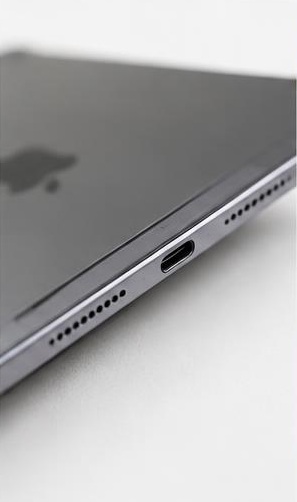
iPad or Galaxy tablet no sound: begin with Tablets and check media volume and output routing.
Liquid exposure: safety before sound
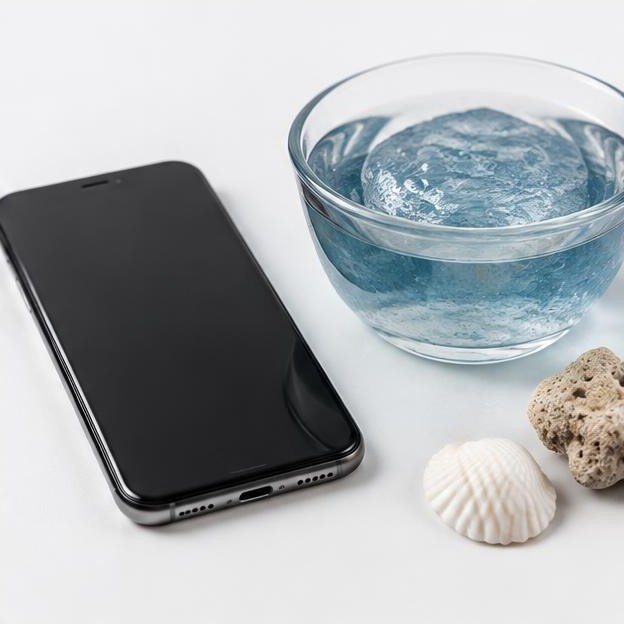
Begin the liquid path with How to Get Water Out of Your Phone Speaker at How to Get Water Out of Your Phone Speaker. Read it alongside the manufacturer's instructions for the exact device. The first question is whether the equipment should be operated at all, not which tone is most powerful. Do not connect a wet charging port or override a liquid warning because a speaker sounds clearer.
Identify what happened: a few rain droplets, a short splash, substantial immersion, or contact with a contaminated liquid. Those situations carry different risks. Saltwater, pool water, and sugary drinks can leave residue after visible moisture disappears. A playback tone cannot remove internal contamination or establish that corrosion will not develop.
If manufacturer guidance allows operation, a brief, low-level listening comparison may help describe muffling. It is not proof that the device has dried internally. Avoid heat, sharp objects, forceful airflow into openings, or improvised rinsing. Do not adopt a universal drying deadline from a general guide; use the model's instructions and the severity of the exposure.
Read the phone-water guide before opening a cleaning tool.
Check the manufacturer's liquid-exposure and charging instructions.
Distinguish clear water from liquids that leave residue.
Escalate significant exposure or additional faults rather than repeating tones.
Continue the water path for earbuds and charging cases
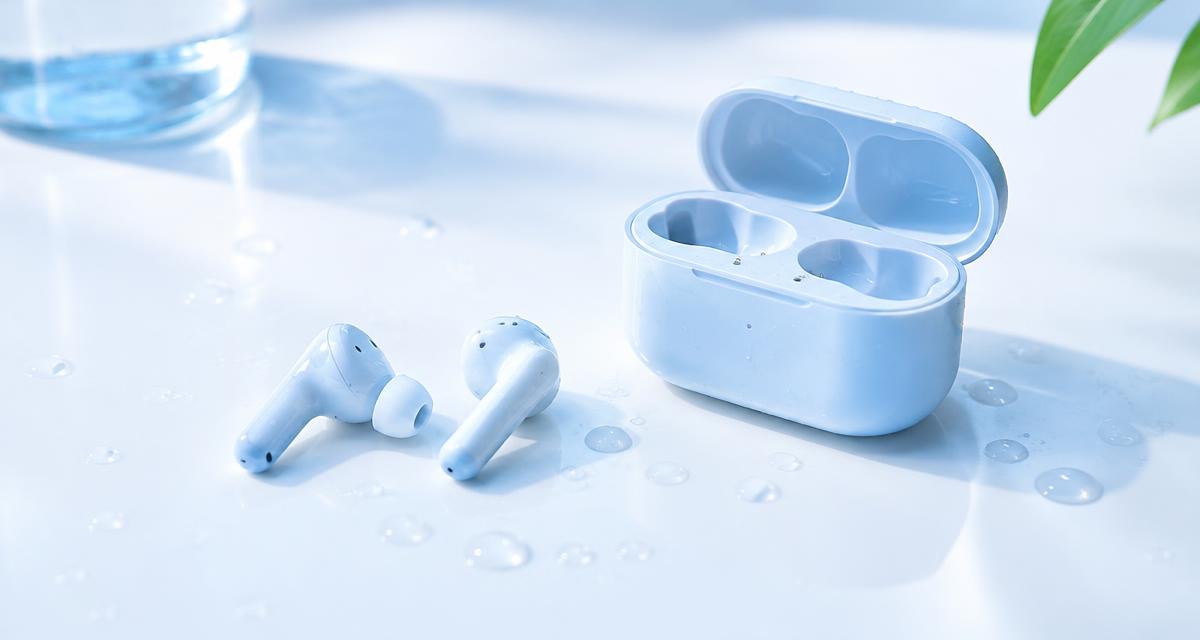
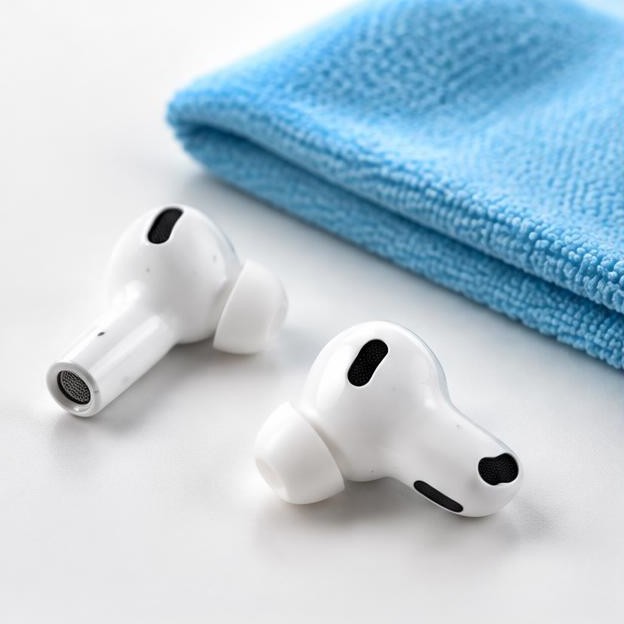
For earbuds, continue with Water in Your Earbuds or AirPods? What to Do at Water in Your Earbuds or AirPods? What to Do. Treat the earbuds and charging case as separate items with potentially different water-resistance limits. A case that stayed dry should not be exposed to wet earbuds, and a wet case should not be treated as safe because the earbuds still connect.
Do not wear earbuds during cleaning-oriented playback. Follow the manufacturer's drying instructions before testing or charging them. If operation is appropriate, compare briefly at low output and stop if there is distortion or any other concern. A successful pairing connection tells you about communication, not necessarily battery safety or internal dryness.
After appropriate drying, use the earbud and channel guidance to investigate persistent imbalance. One side may be affected by fit, an obstructed mesh, balance settings, or a hardware fault. Do not jump directly from quiet audio to stronger cleaning tones. Persistent symptoms after liquid exposure deserve a cautious assessment that includes what liquid was involved and whether the case was exposed.
Read Water in Your Earbuds or AirPods? What to Do for the earbud-specific path.
Keep wet components away from charging contacts.
Check separate instructions for earbuds, removable tips, and the case.
Move to imbalance troubleshooting only when normal operation is appropriate.
Cleaning path: identify the surface and the symptom
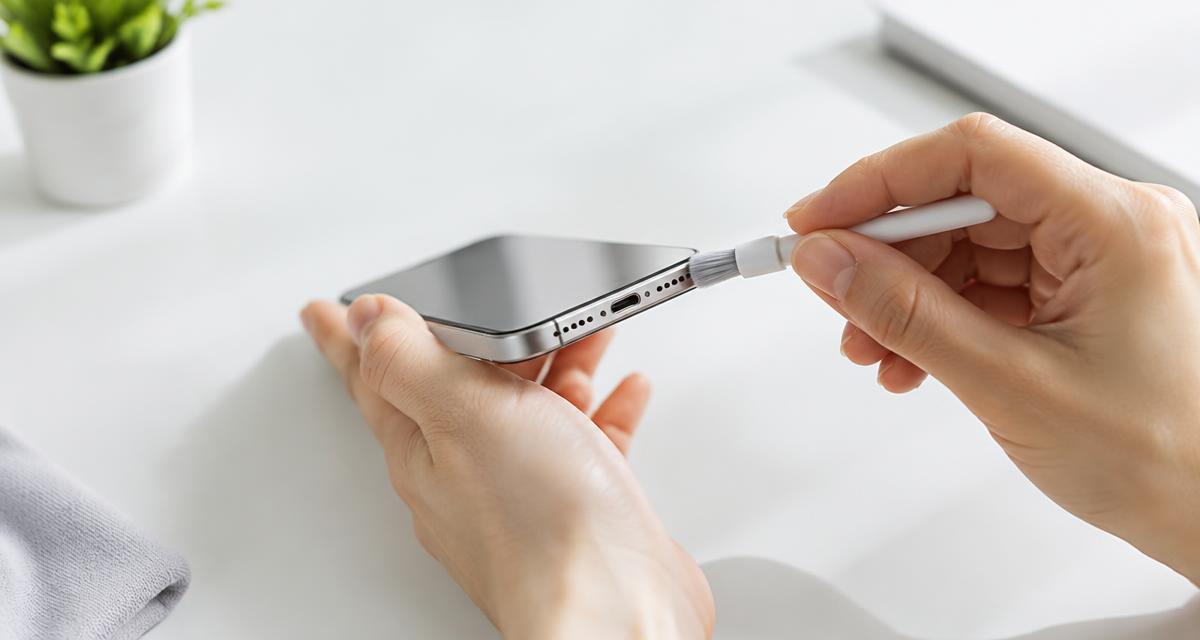
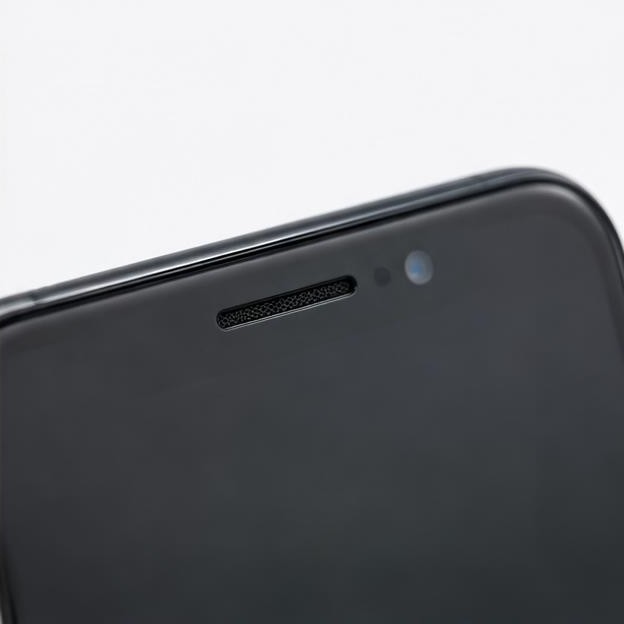
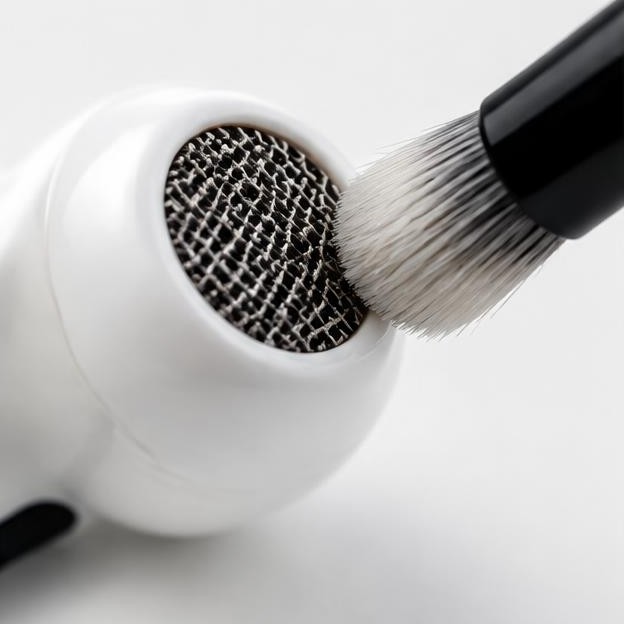
For iPhone-related cleaning questions, start with How to Clean an iPhone Speaker Safely at How to Clean an iPhone Speaker Safely. Use the guide to distinguish the main speaker opening from the earpiece area, then check current manufacturer instructions for the model. Different meshes, coatings, and assemblies can require different care.
Before cleaning, remove an obstructing case if doing so is safe and check whether a screen protector covers the earpiece. An accessory can reduce sound without any contamination inside the speaker. Compare calls, speakerphone, and ordinary media where relevant, because those activities may use different audio paths.
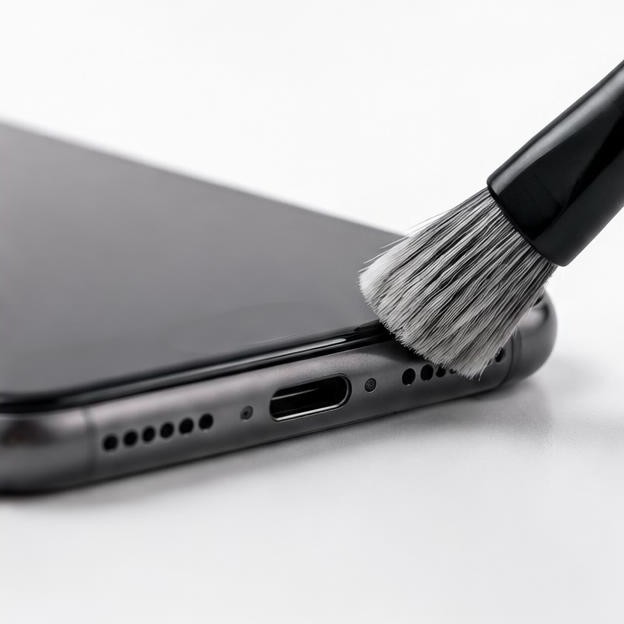
Use only approved exterior methods and materials. Do not insert pins, scrape the mesh, force debris inward, or assume an adhesive, solvent, brush, or compressed-air technique is suitable for every device. A cleaning tone cannot dissolve grease or extract compacted wax reliably. If approved gentle cleaning does not help, that is a reason to reassess the cause rather than apply more pressure.
Start with How to Clean an iPhone Speaker Safely for the iPhone cleaning path.
Check cases and protectors before assuming an internal blockage.
Match materials and methods to official model guidance.
Stop when debris is packed, the mesh appears damaged, or access requires disassembly.
Phone troubleshooting after simple checks
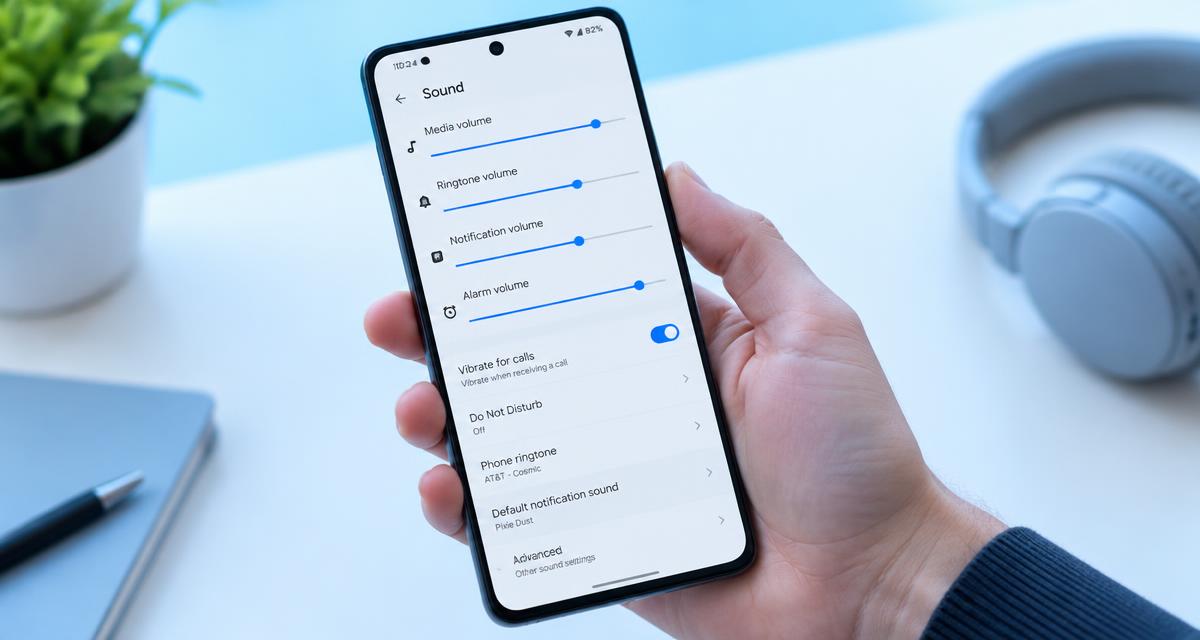
How to Fix a Phone Speaker: 8 Fixes That Work at How to Fix a Phone Speaker: 8 Fixes That Work is a broad route for quiet, distorted, or missing phone audio. Android Speaker Not Working? Fix It Step by Step at Android Speaker Not Working? Fix It Step by Step narrows the discussion toward Android settings and device-specific behavior. Begin with routing and source comparisons before cleaning or resetting anything.
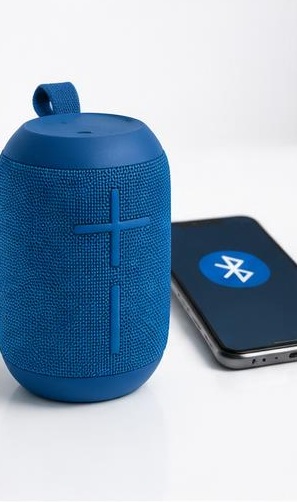
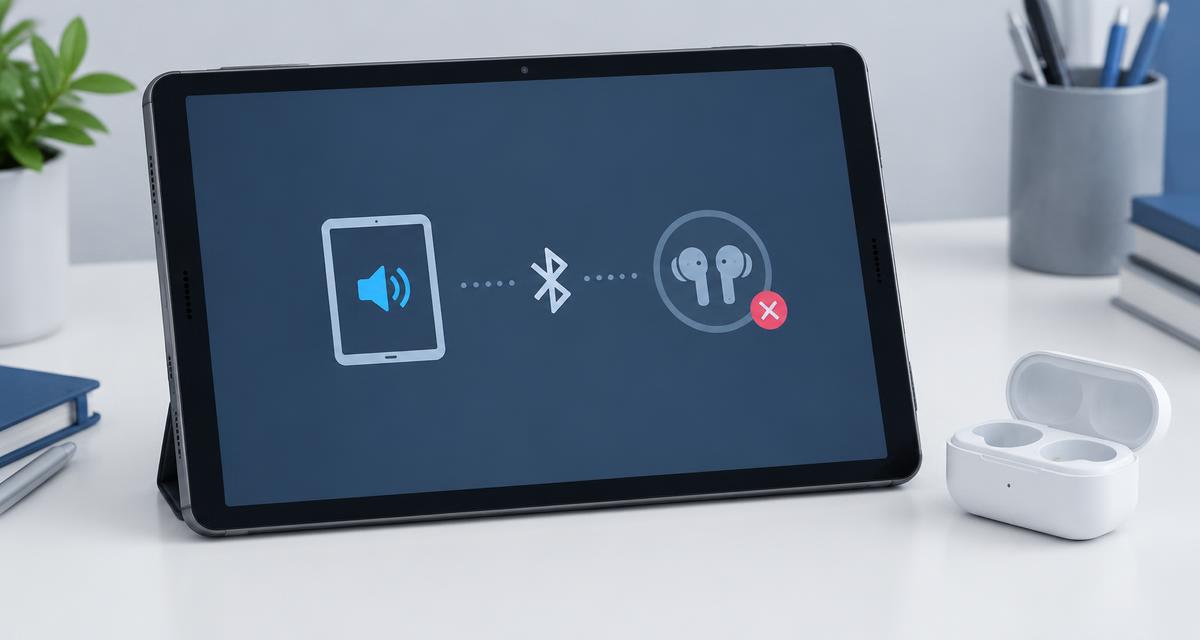
Check whether sound is being sent to Bluetooth equipment, a cable, or an adapter. Compare another application and note whether the issue affects media, calls, notifications, or every output. Do not assume that a ringer setting, media setting, and call-volume setting are interchangeable. Their relationship varies across devices and contexts.
Treat settings changes as controlled experiments. Note the original state, change one relevant item, and compare at low volume. Avoid broad resets or destructive steps merely because they appear near the end of a troubleshooting list. Understand backup needs and manufacturer procedures first. A useful guide should reduce uncertainty, not turn a speaker complaint into unnecessary data loss.
General phone path: How to Fix a Phone Speaker: 8 Fixes That Work.
Android path: Android Speaker Not Working? Fix It Step by Step.
Separate call, notification, media, and accessory-output symptoms.
Preserve settings and data before considering disruptive changes.
Laptop path: distinguish the source from the output
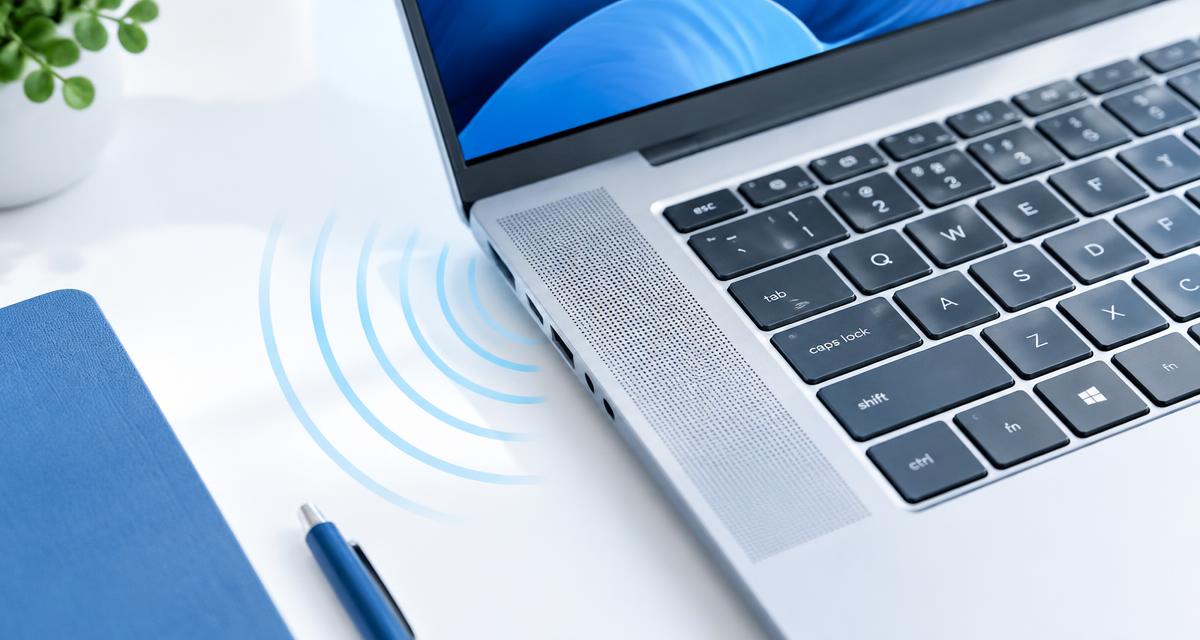
Start laptop investigations with Laptop Speakers Crackling? Causes and Fixes at Laptop Speakers Crackling? Causes and Fixes. First compare another recording and another application. If only one stream or file crackles, the problem may be in that source. If several sources fail only through built-in speakers, the evidence points toward a different part of the playback chain.
Compare built-in output with a suitable alternate output, such as known-working headphones, at a low level. Keep the source constant when possible. Check the selected device, application mixer, and relevant sound processing. Enhancements, communications modes, and browser behavior can change playback without any dirt or physical damage.
For driver or system changes, use documentation appropriate to the operating system and laptop manufacturer. A different sample format, service restart, or driver version is not a universal cure. Record the current configuration and understand how to reverse a change. Do not open the laptop or press on its speaker area merely to investigate a rattle.
Compare sources before changing system configuration.
Compare outputs while keeping the same source and modest level.
Use manufacturer-supported software steps and preserve a reversal path.
Earbuds and headphones: balance, fit, and routing
For a dry earbud or headphone imbalance, work through settings and fit before assuming the driver is damaged. Check left-right balance, mono audio, connection state, and whether both sides are charged or correctly connected. With removable ear tips, follow the manufacturer's care instructions and confirm that the tips are seated as intended.
Use Speaker Test, Headphone Test, or Earbud Test only for a brief comparison at a low level. A left-only signal that remains audible on both sides may reflect mono processing or another part of the output path. A quieter side can reflect an obstruction, fit difference, or equipment problem, but the website cannot determine which explanation is correct automatically.
If the problem followed liquid exposure, return to the water path rather than treating it as an ordinary balance adjustment. If discomfort or hearing-related symptoms are involved, stop the test and seek appropriate advice. Swapping equipment can help isolate hardware, but repeated loud listening is not an appropriate way to establish whether a difference is real.
Use the water guide first when moisture is part of the history.
Check balance, mono settings, charge, and fit.
Compare the same signal rather than unrelated tracks.
Do not use a web tone to diagnose hearing or justify higher volume.
Home audio path: systems, placement, and subwoofers
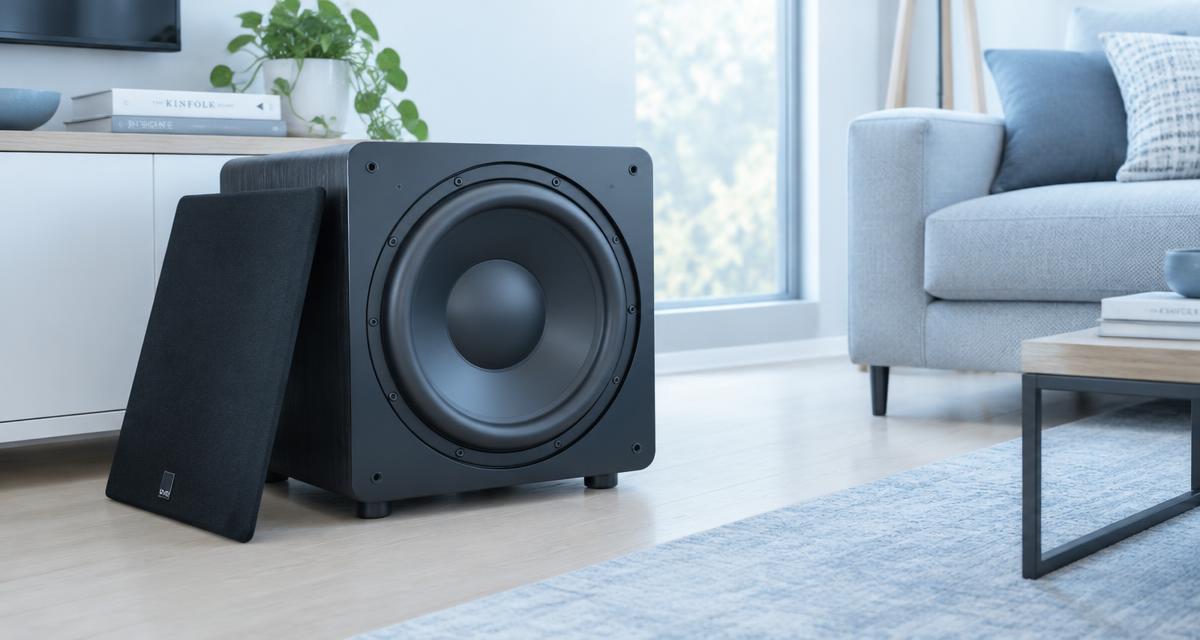
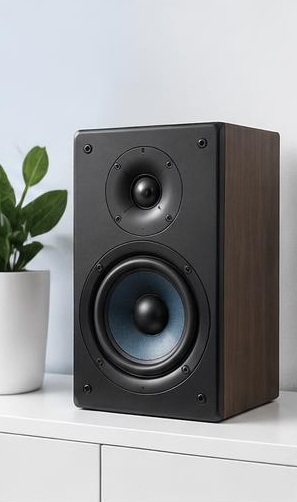
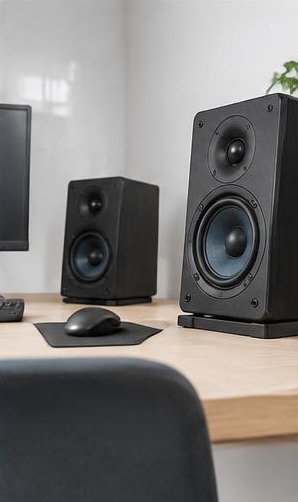
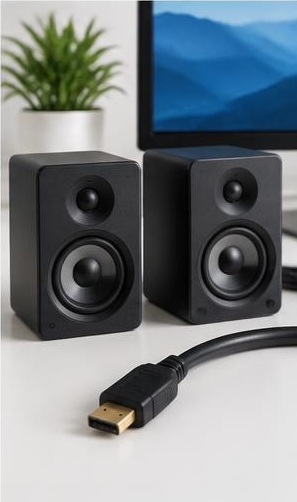
For subwoofer symptoms, start with Subwoofer Repair Basics: Find and Fix Common Faults at Subwoofer Repair Basics: Find and Fix Common Faults. Establish whether the problem is no output, a rattle, intermittent sound, or an uneven bass impression. Check source selection, connections, and supported settings before assuming that the driver or amplifier has failed.
Room placement can change perceived bass dramatically. A dip at the listening position does not necessarily mean a speaker is defective, and a nearby object can create a rattle that seems to come from the cabinet. Move loose objects away and make modest, reversible placement changes where practical. Do not increase a deep tone aggressively to fill a room cancellation.
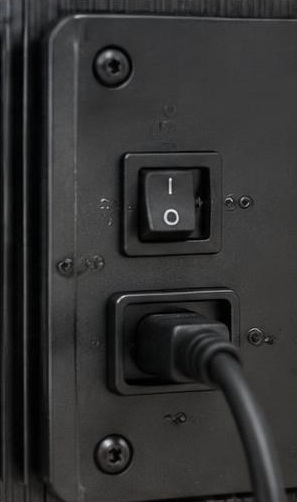
Crossover and phase-related questions need system context. Note the receiver settings, speaker arrangement, and manufacturer recommendations. A crossover tone or sweep can reveal a repeatable listening change, but it is not a calibrated measurement of integration. Mains-powered enclosures and amplifier sections can contain hazardous components; internal investigation belongs with suitably qualified people.
Begin with Subwoofer Repair Basics: Find and Fix Common Faults.
Separate source, connection, placement, cabinet, and amplifier possibilities.
Use suitable bass equipment and brief low-level signals.
Do not open powered equipment to follow a general troubleshooting path.
Repair kits and the decision to stop experimenting
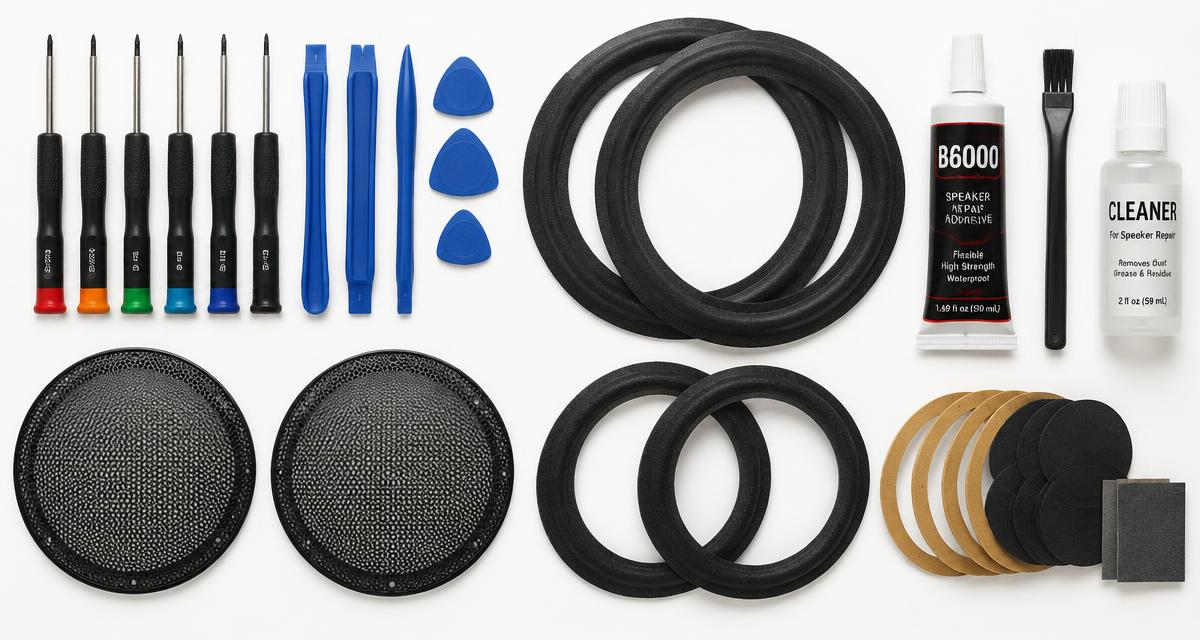
Do You Need a Speaker Repair Kit? A Buyer's Guide at Do You Need a Speaker Repair Kit? A Buyer's Guide is a decision-making path, not a reason to purchase parts before identifying the fault. A kit intended for a home speaker surround does not solve a phone's charging issue, and a replacement grille does not repair a damaged amplifier.
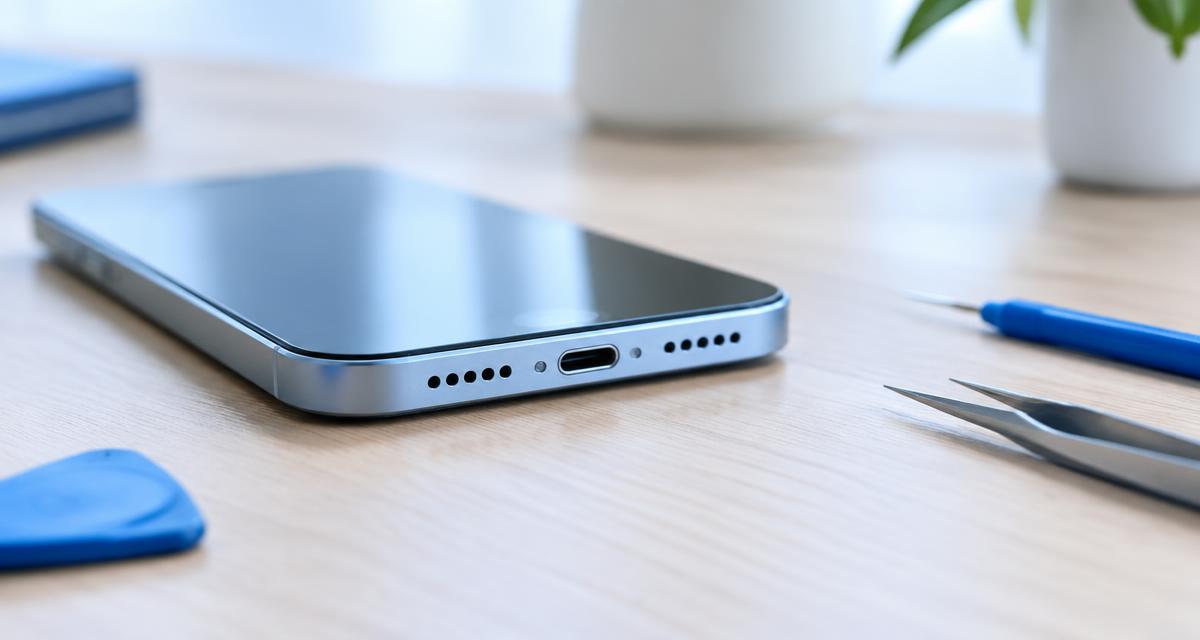
Check exact compatibility, the required skill, the effect on seals, and whether the proposed repair addresses the observed symptom. Opening a device can introduce new damage and may affect service options. Product descriptions, model numbers, and measurements need careful checking; appearance alone is not enough to establish a part match.
Compare the likely benefit of a repair with the uncertainty of the diagnosis. If the evidence is still only that one unfamiliar tone sounded odd, gather better low-risk comparisons first. If the device is unsafe, substantially liquid-damaged, or requires hazardous internal work, skip the kit experiment and seek qualified support.
Read Do You Need a Speaker Repair Kit? A Buyer's Guide before buying parts.
Match the repair to a specific, supported diagnosis.
Check compatibility, seals, tools, and service implications.
Do not treat a kit as a substitute for electrical safety knowledge.
Assess the source of advice before acting
Give the most weight to current manufacturer instructions for the exact model, especially for liquids, cleaning agents, charging, and service procedures. A guide can explain concepts and organize checks, but a general statement may not apply to every mesh, coating, battery, or water-resistance design. An article date alone does not establish model compatibility.
Separate direct observations from causal claims. Someone reporting clearer sound after a tone has described an outcome, not necessarily proven why it happened. Drying time, a changed output, an accessory adjustment, or ordinary variation can affect the result. Strong claims about guaranteed repair, universal frequencies, or safe maximum volume deserve skepticism.
Look for advice that states limitations and stopping conditions. Reliable instructions explain what a method cannot determine and when professional inspection is appropriate. Be cautious with demonstrations that emphasize dramatic droplets, loud bass, or a single successful device without discussing contamination, internal damage, or the risks of repeating the procedure.
Check the exact device model and the source's relevance.
Prefer official safety instructions over generic demonstrations.
Distinguish an observation from evidence of a repair mechanism.
Question guaranteed outcomes and advice to overcome uncertainty with more volume.
Escalate with a useful history
Stop home testing when symptoms persist across suitable sources, when liquid exposure creates uncertainty, or when the next step requires unsafe operation or disassembly. Prepare a short history for manufacturer support or a qualified repair provider: the device, what happened before the fault, which outputs work, and which safe checks changed the result.
For a website problem, use the contact page and include the route, browser, output device, and reproducible steps. For an article correction, identify the heading and the advice that needs review. This keeps software feedback separate from hardware repair and helps the next person understand the actual question.
A good reading path ends when you have enough information to make a safer decision. You do not need to exhaust every article or run every speaker tool. The goal is to rule out simple explanations, avoid harmful shortcuts, and recognize when a device-specific instruction or qualified inspection is the more useful next step.
Summarize the event, symptom, and safe comparisons.
Record what changed and what remained the same.
Use website contact for site issues and device support for hardware concerns.
Stop reading and testing when further experimentation adds risk rather than clarity.
Tablet no sound: settings before speaker tests
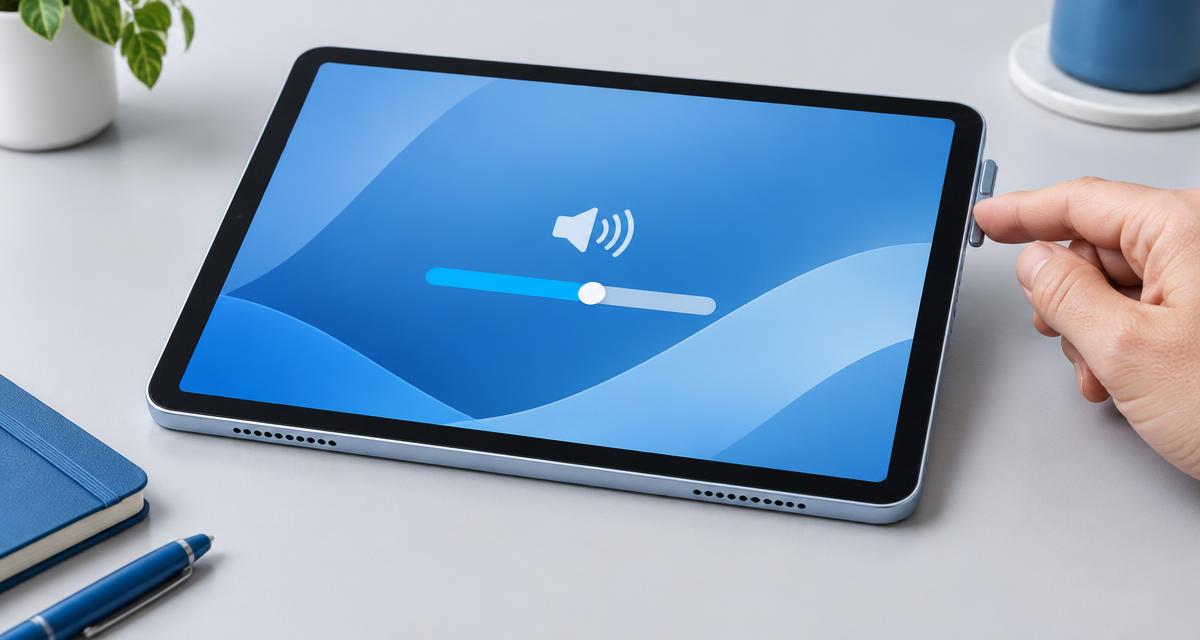
For iPad sound not working, read iPad No Sound? Settings and Speaker Checks. Compare ordinary media with alerts, check the active output destination and adjust volume while media is playing. Silent mode does not generally mute music or movies on iPad, so distinguish an alert issue from missing playback. Use iPad Speaker စမ်းသပ်ခြင်း။ for a brief additional listening comparison, not a hardware diagnosis.
For Galaxy Tab playback, use Samsung Galaxy Tablet No Sound? Speaker Checks. Check the Media slider, Bluetooth destination and Mute all sounds accessibility setting where available. Follow Samsung တက်ဘလက်စပီကာစမ်းသပ် or တက်ဘလက်စပီကာစမ်းသပ်မှု after routing is confirmed. Read the orientation guide when stereo balance changes as you turn the tablet. Stop for distortion, heat or liquid-exposure concerns and follow model-specific support instructions.